
Frog Gaming Cafe
Open Facebook post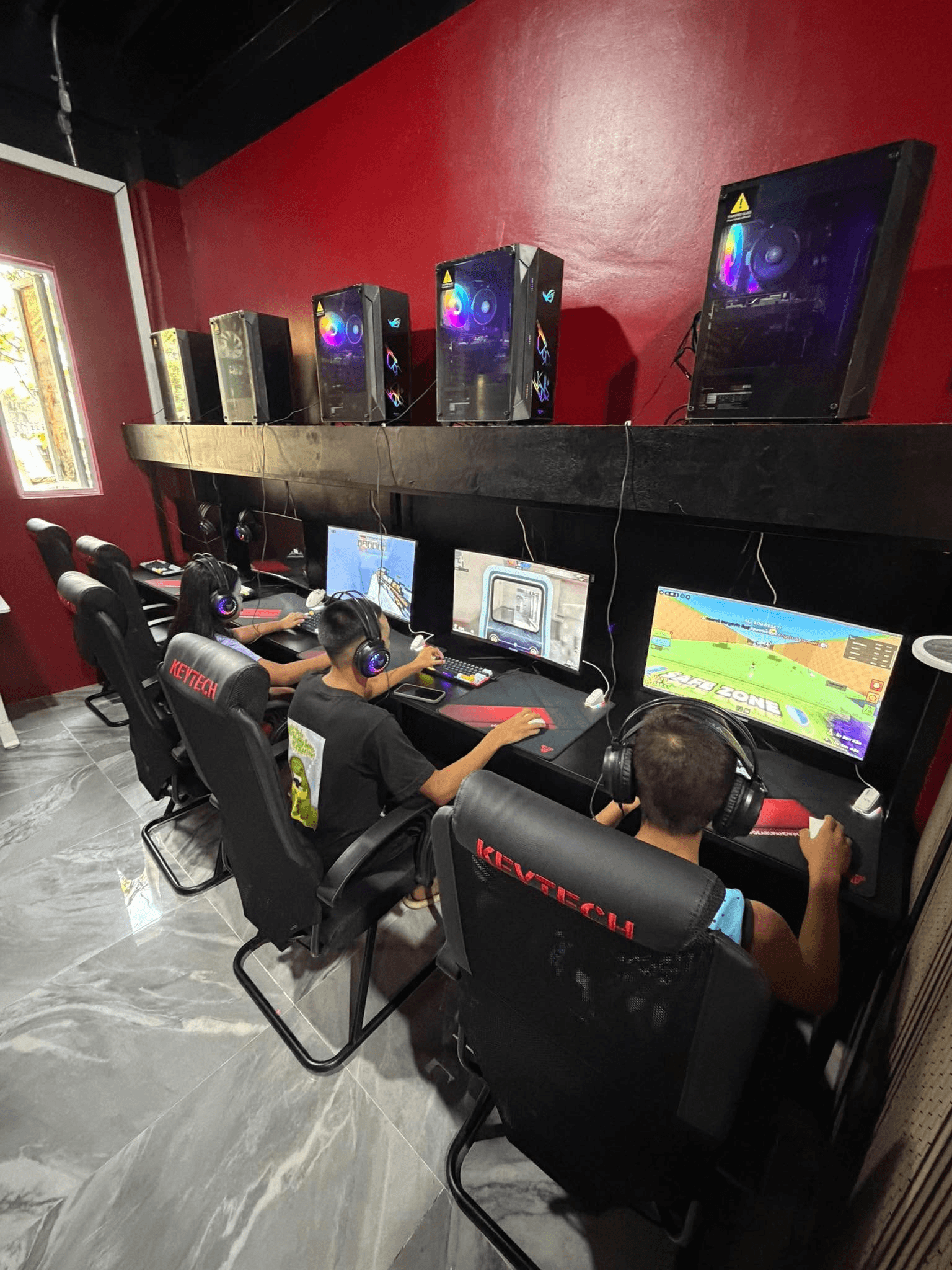
+1
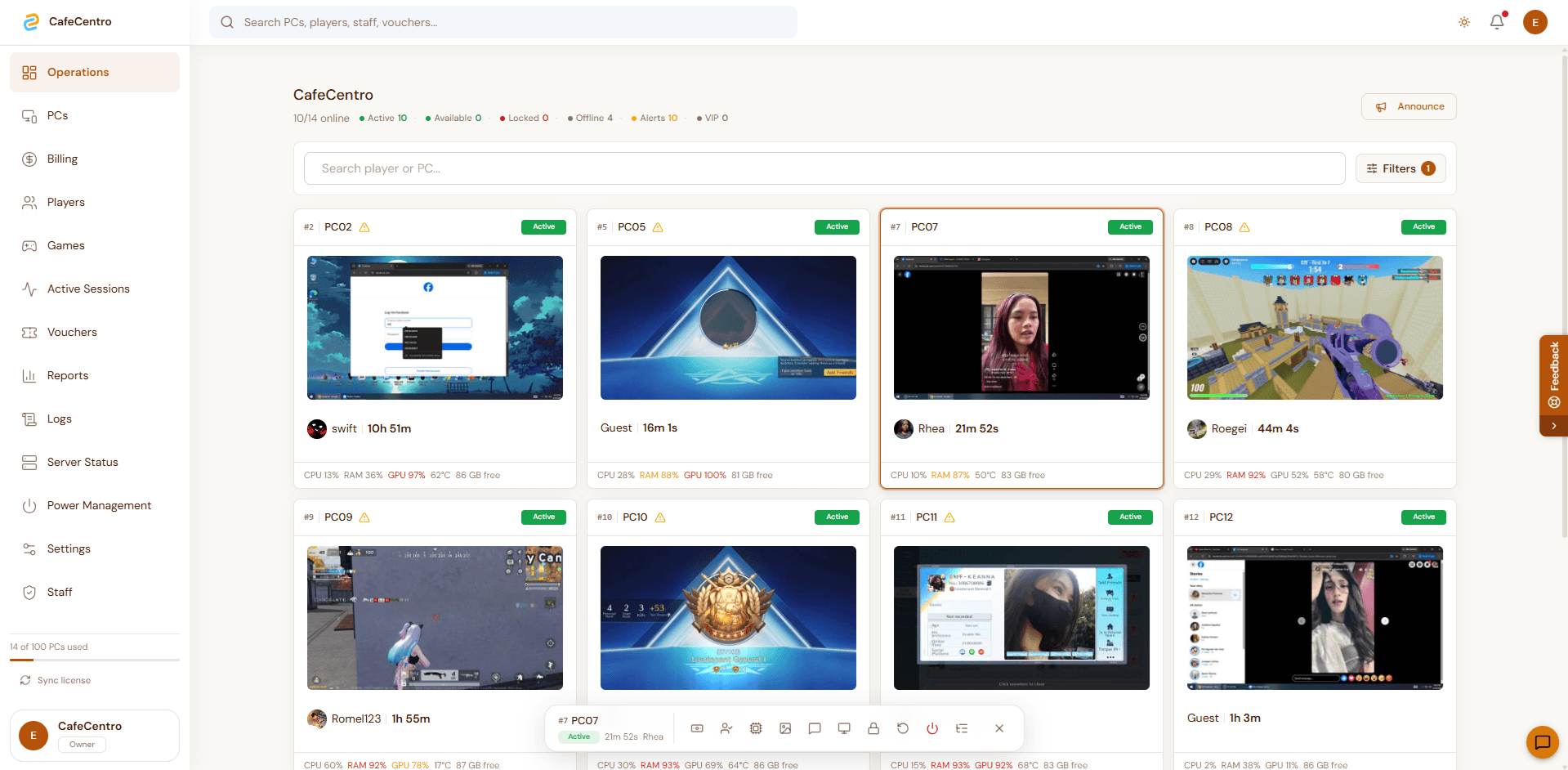
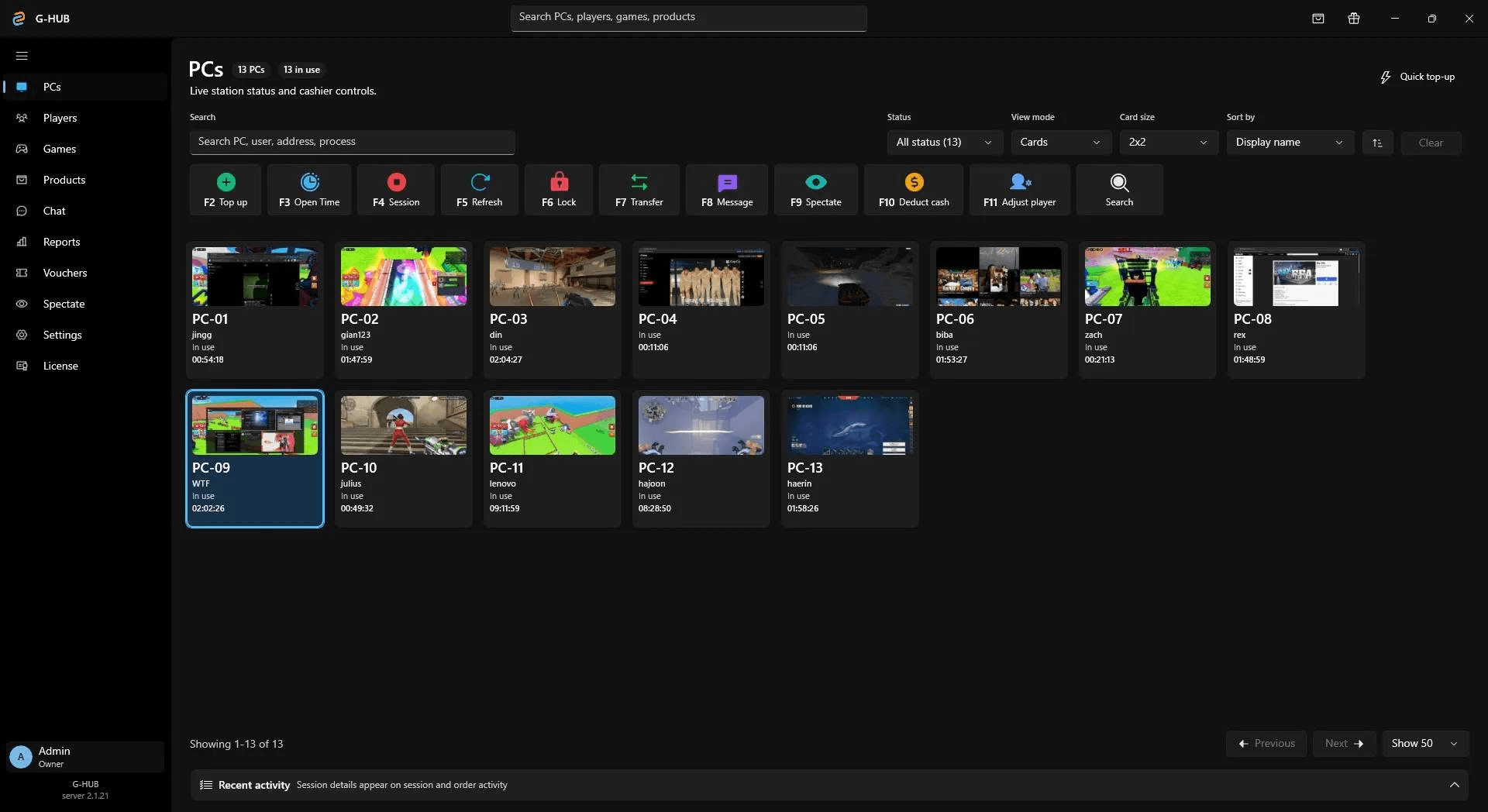
Real cafe operations on every screen: desktop store portal, mobile cashier, customer timers, reports, vouchers, player accounts, and station control.
Owner glance
10/14
PCs online
Desktop
store portal
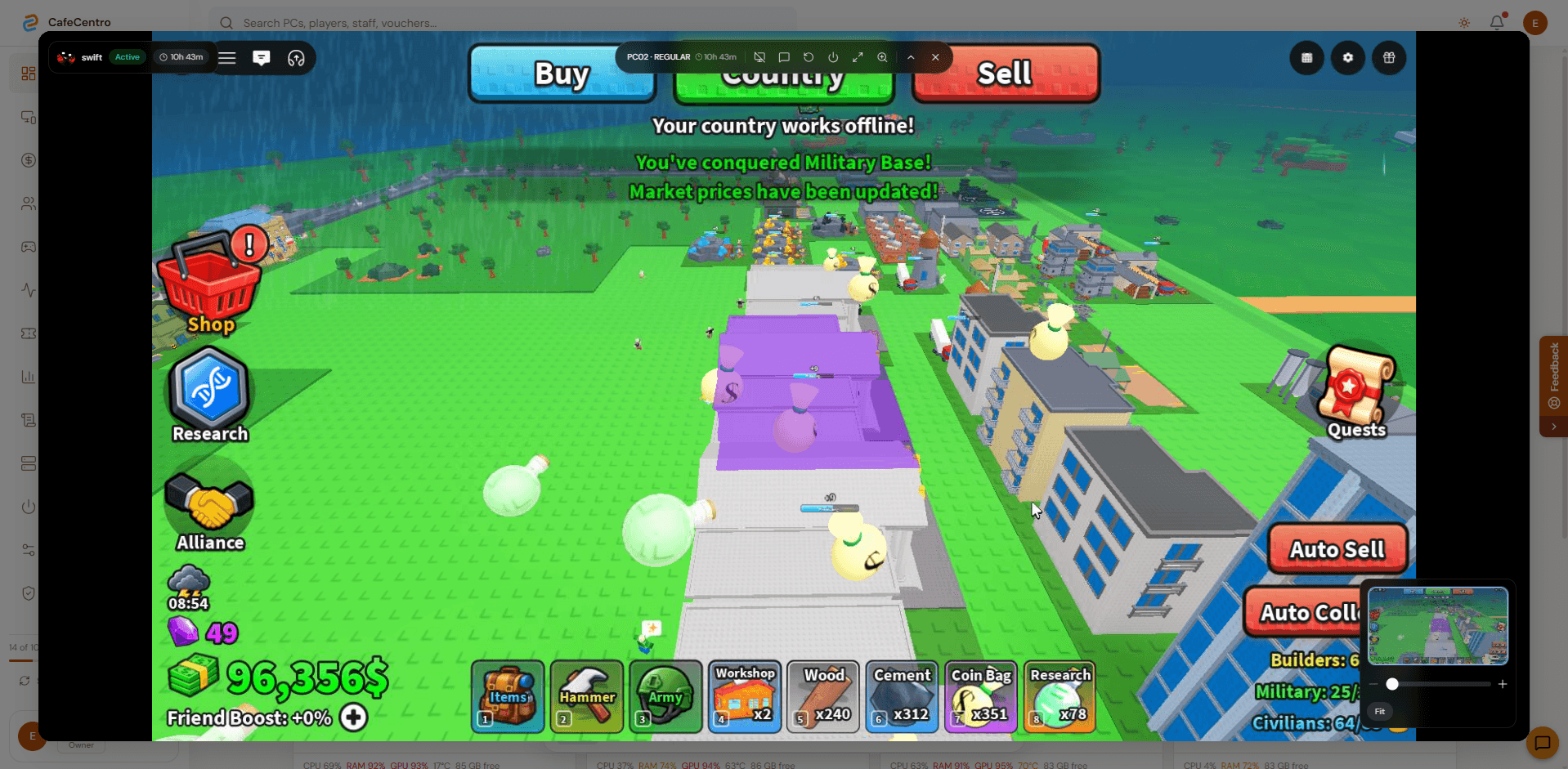
Mobile
cashier app
Public cafe operators
Ten shop owners approved public display here. CafeCentro Cloud Timer supports 21 shops total, with more shops running privately at owner request.
21
shops total
10
public shops
11
private shops









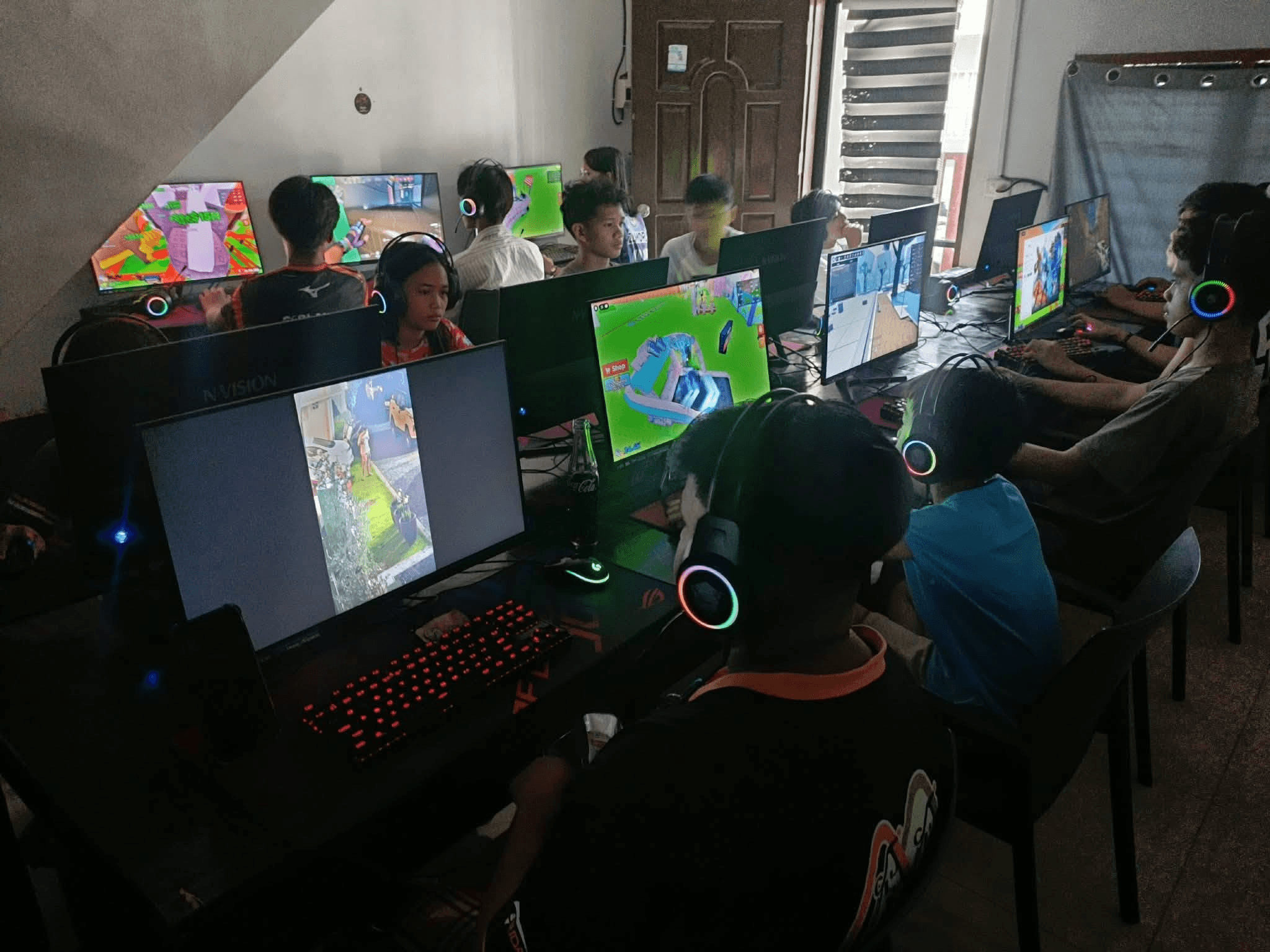
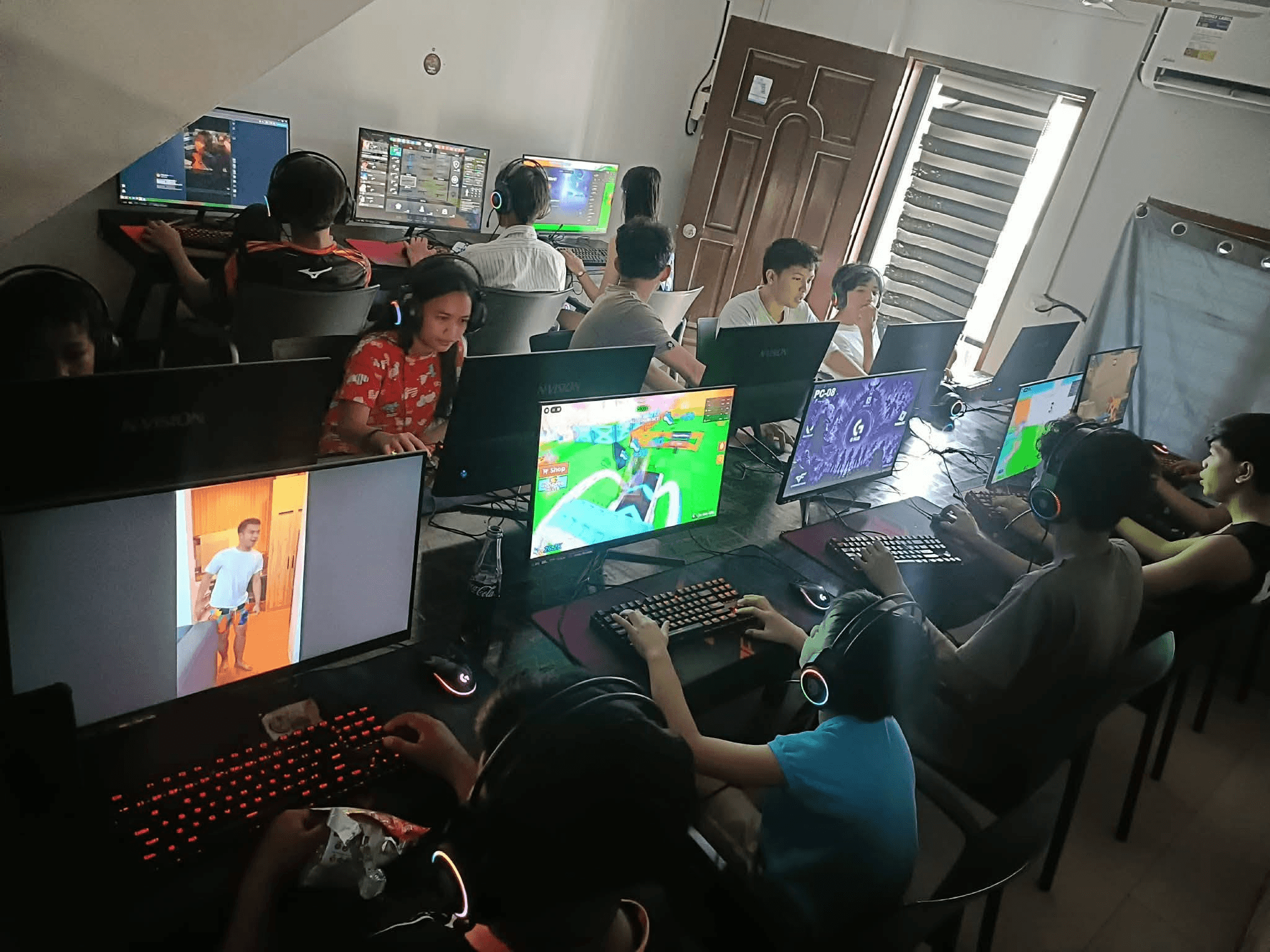
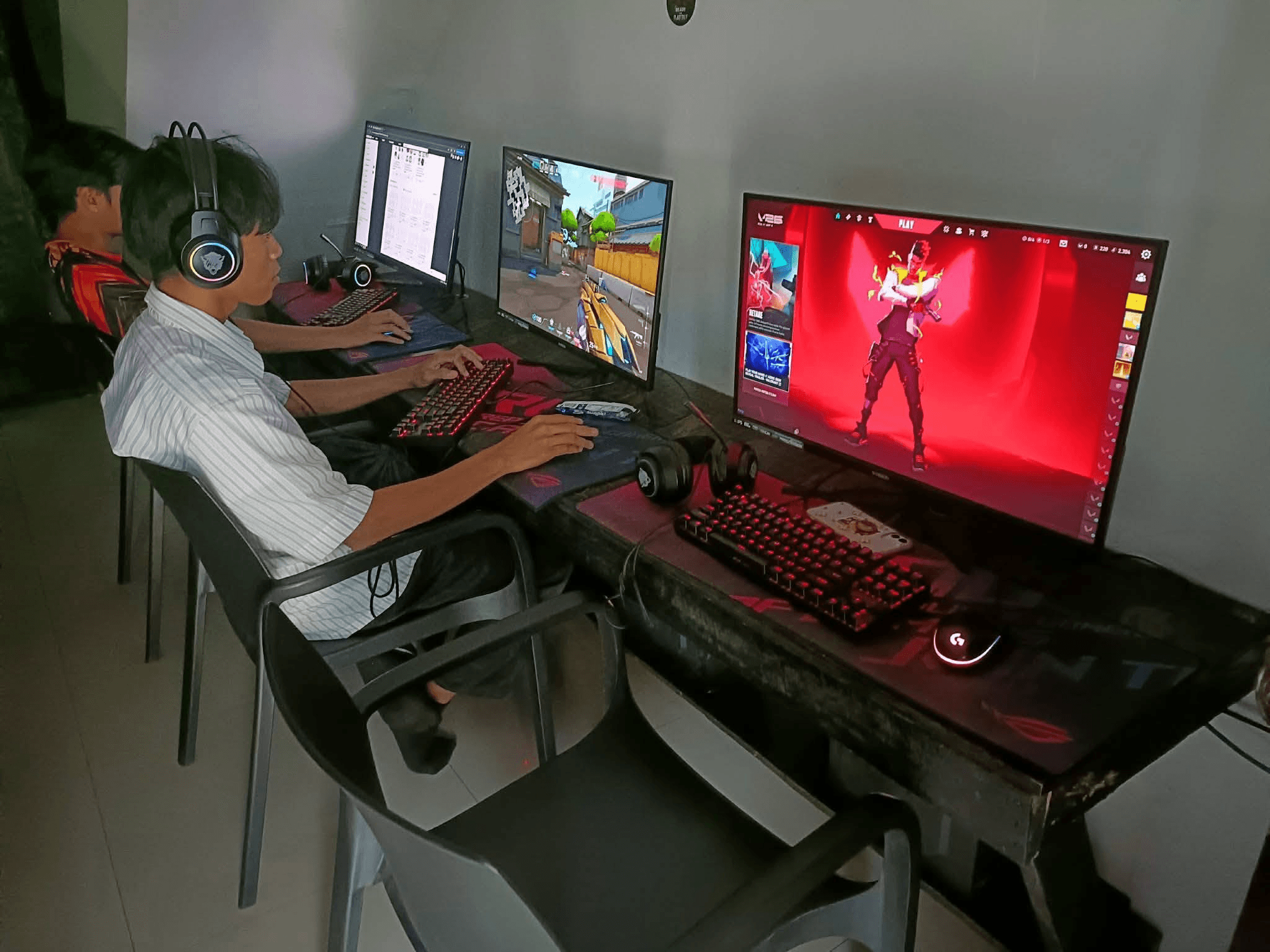
Real cafe installs
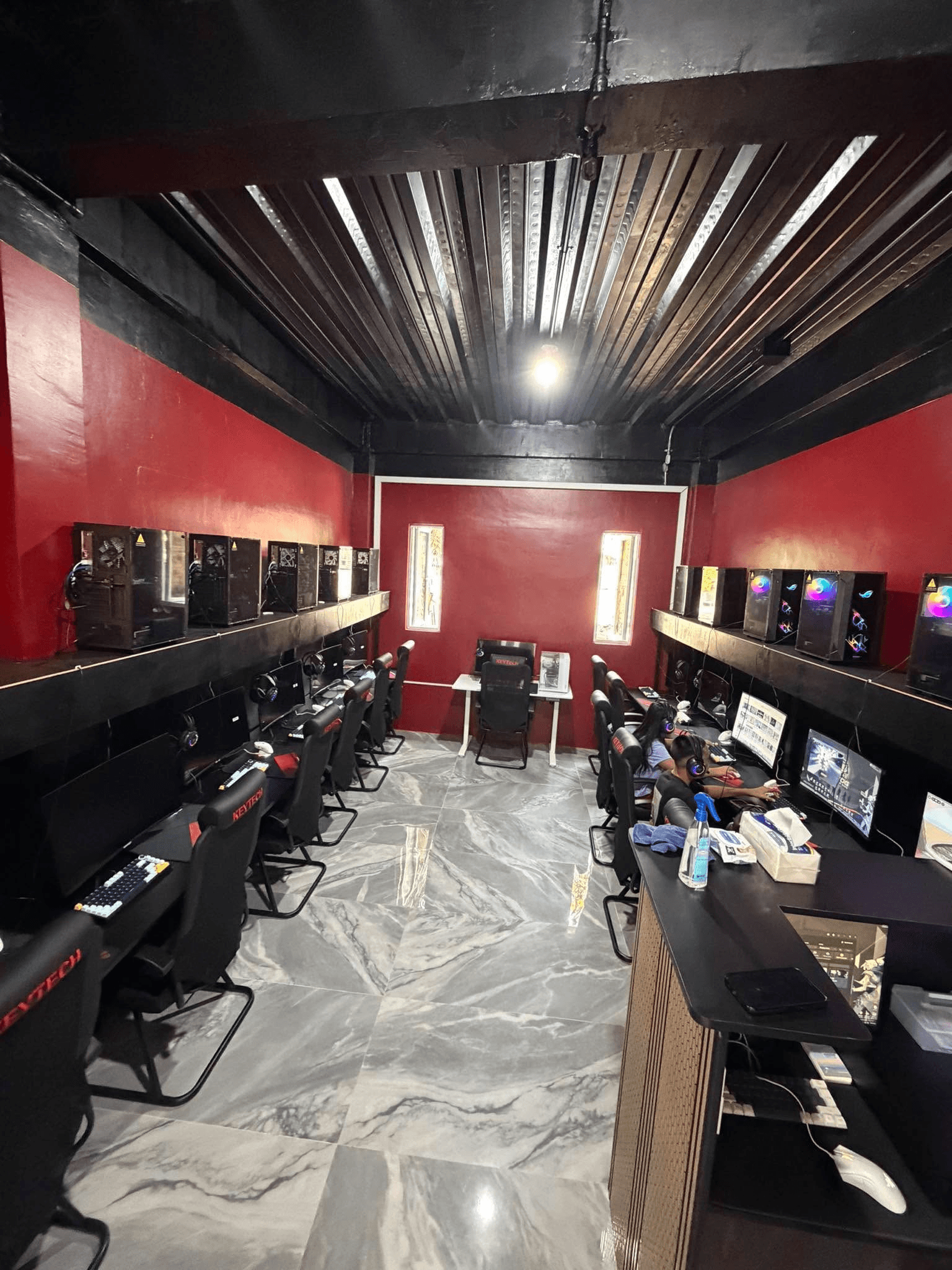
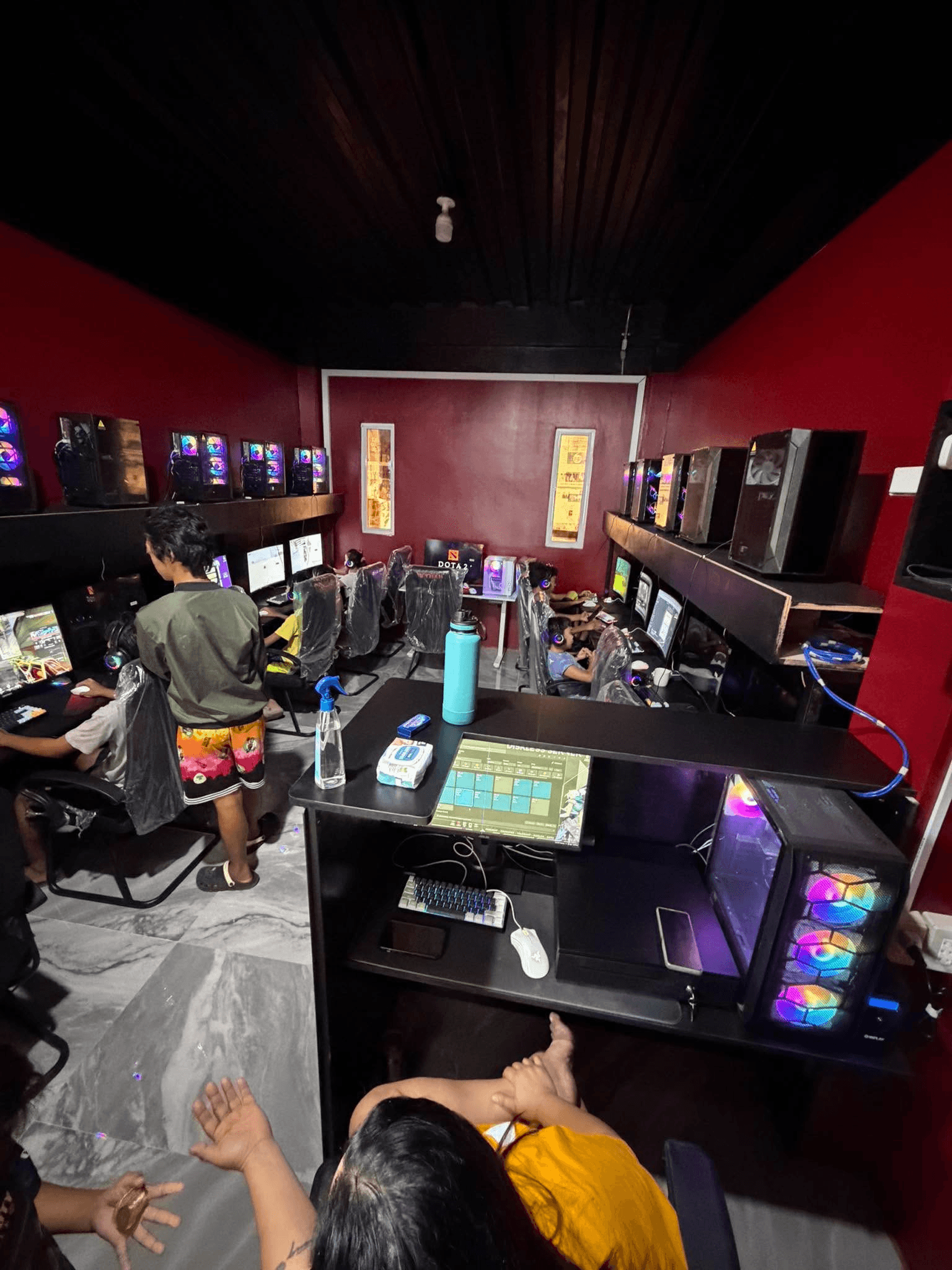
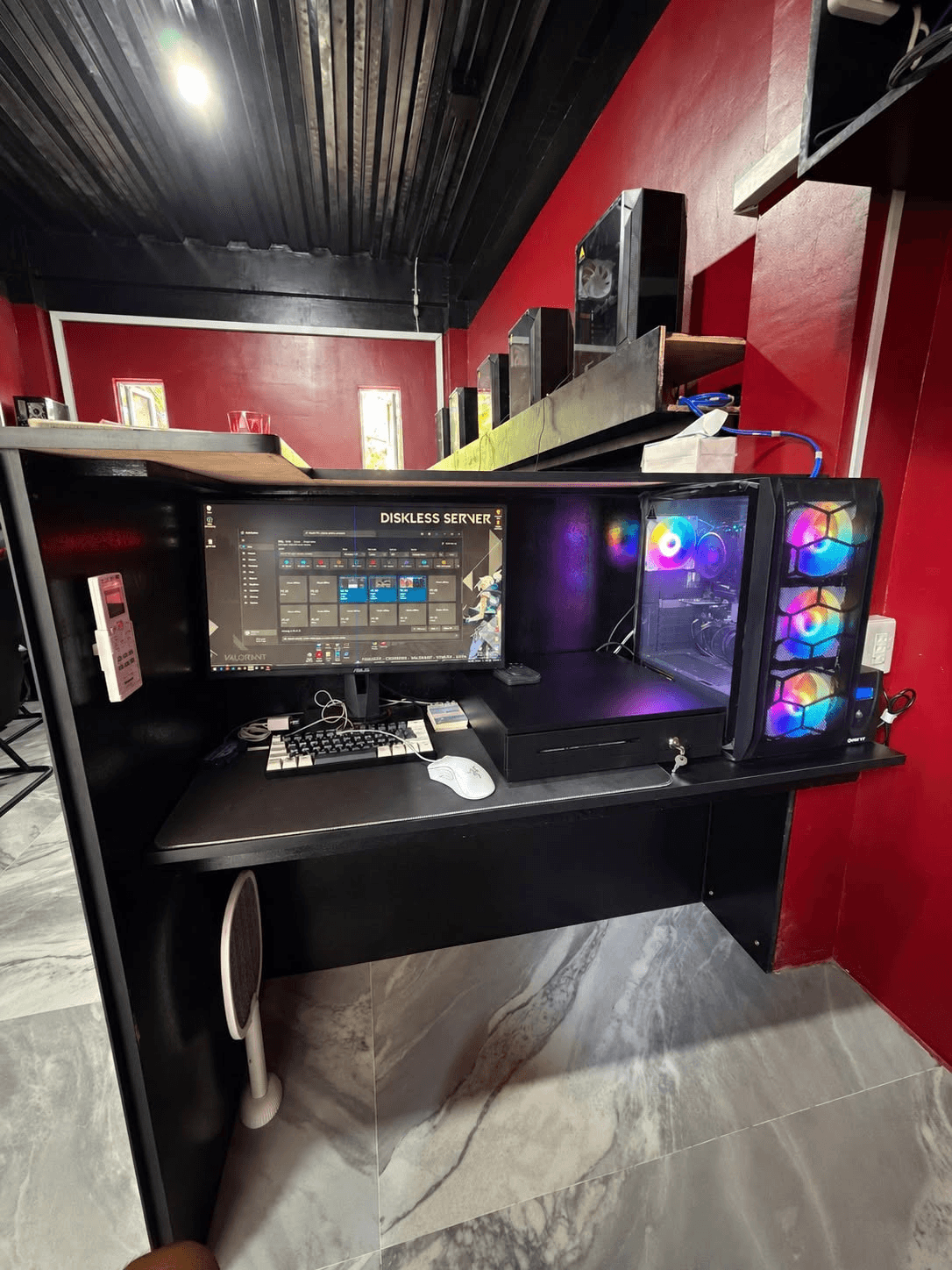
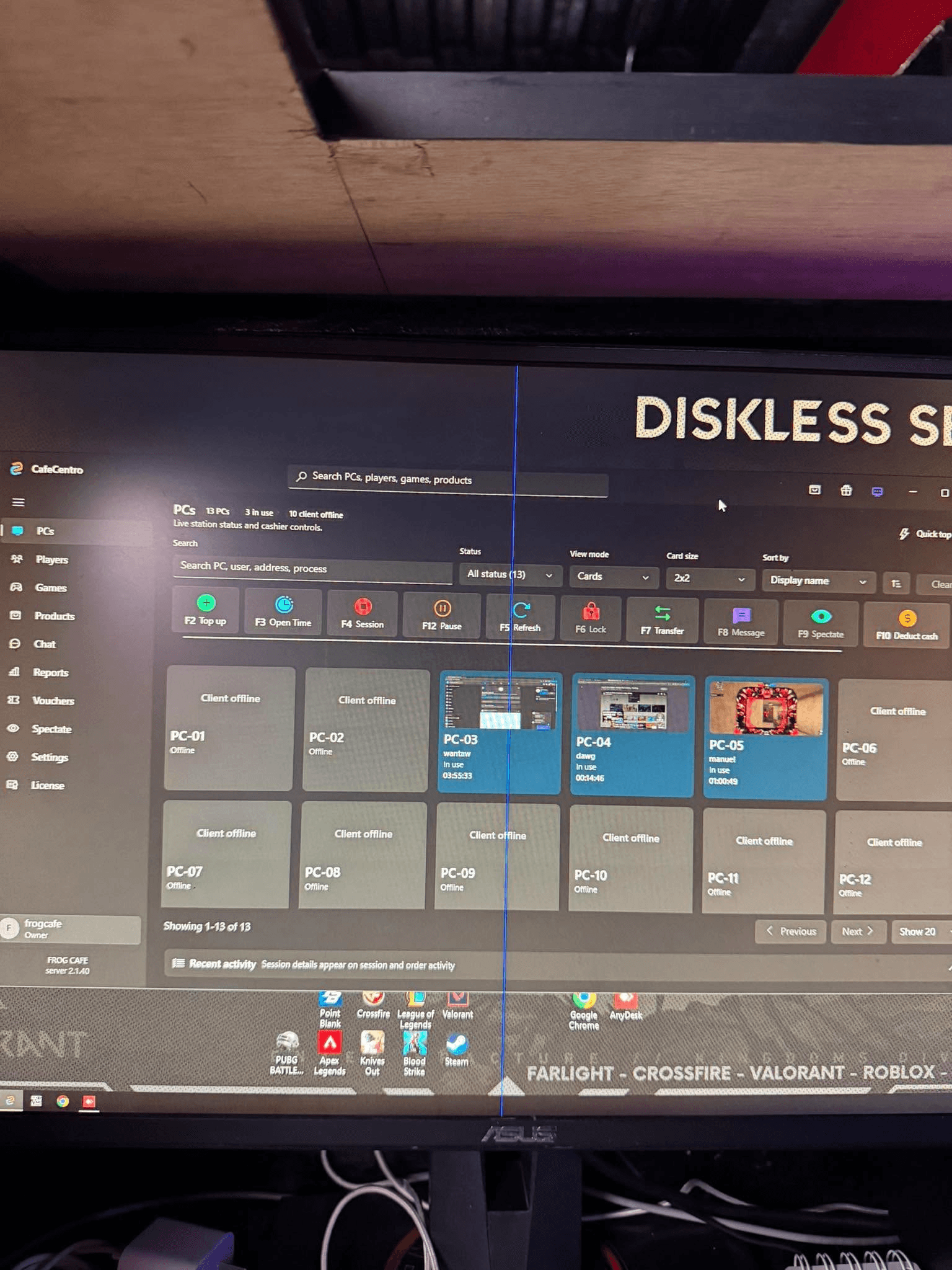
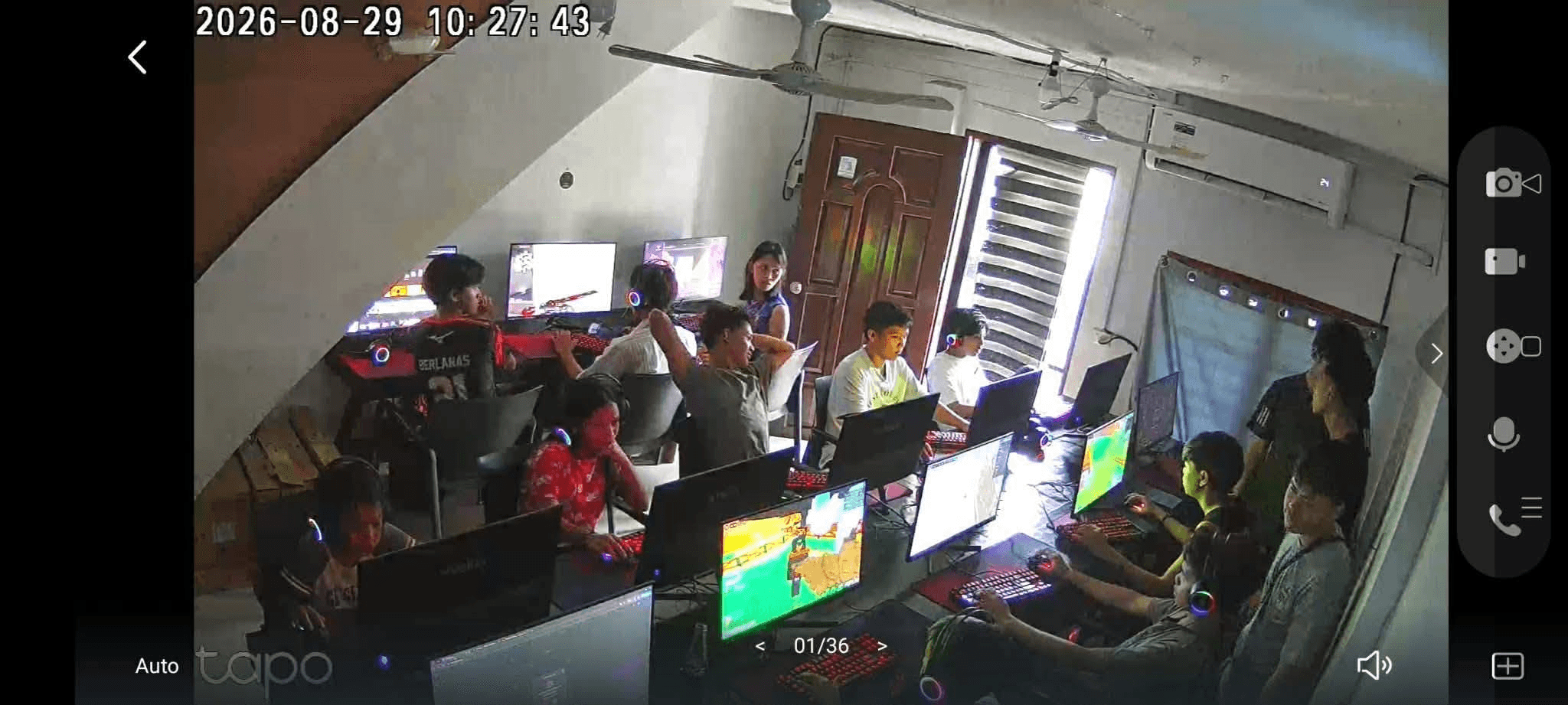
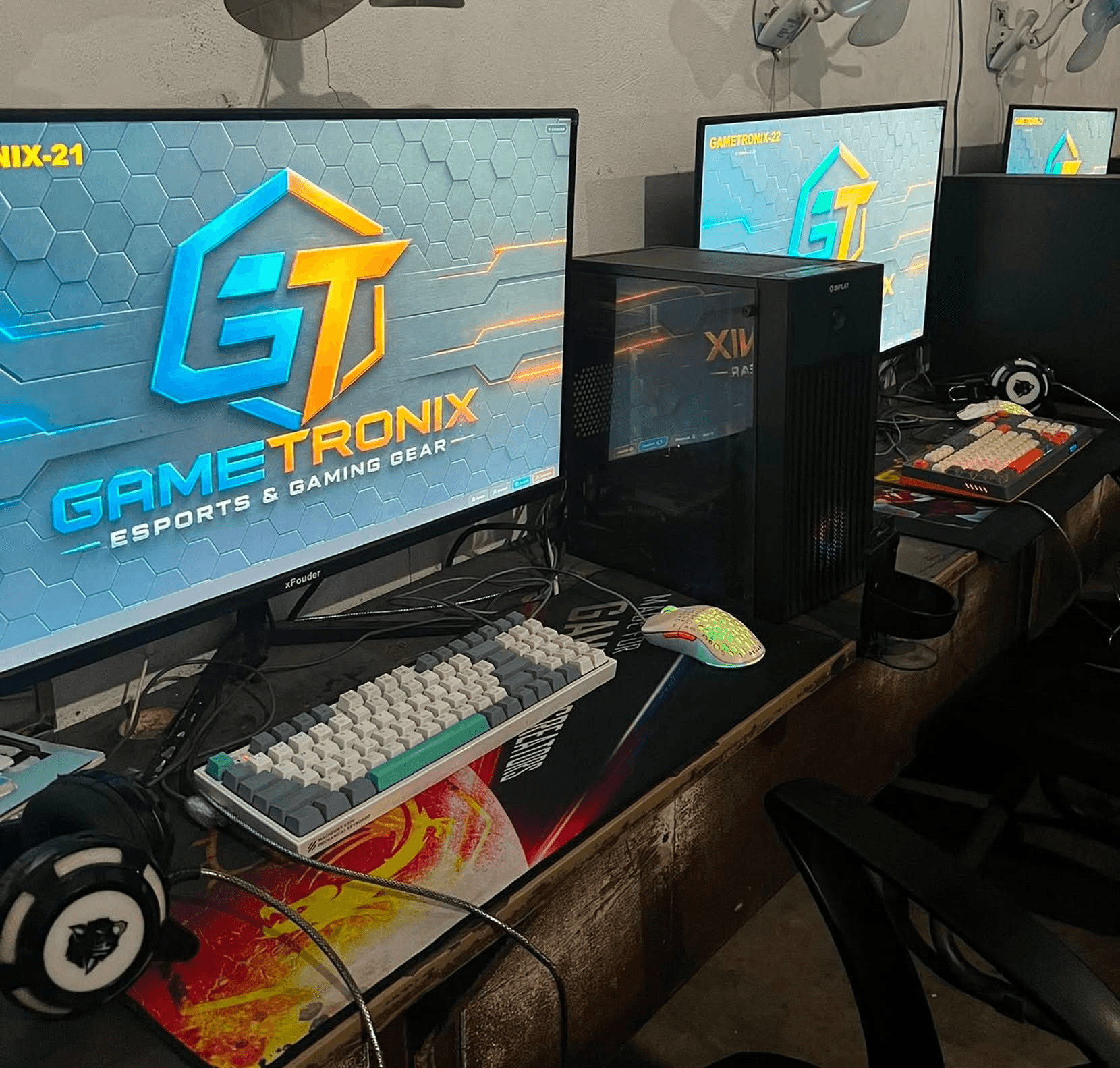
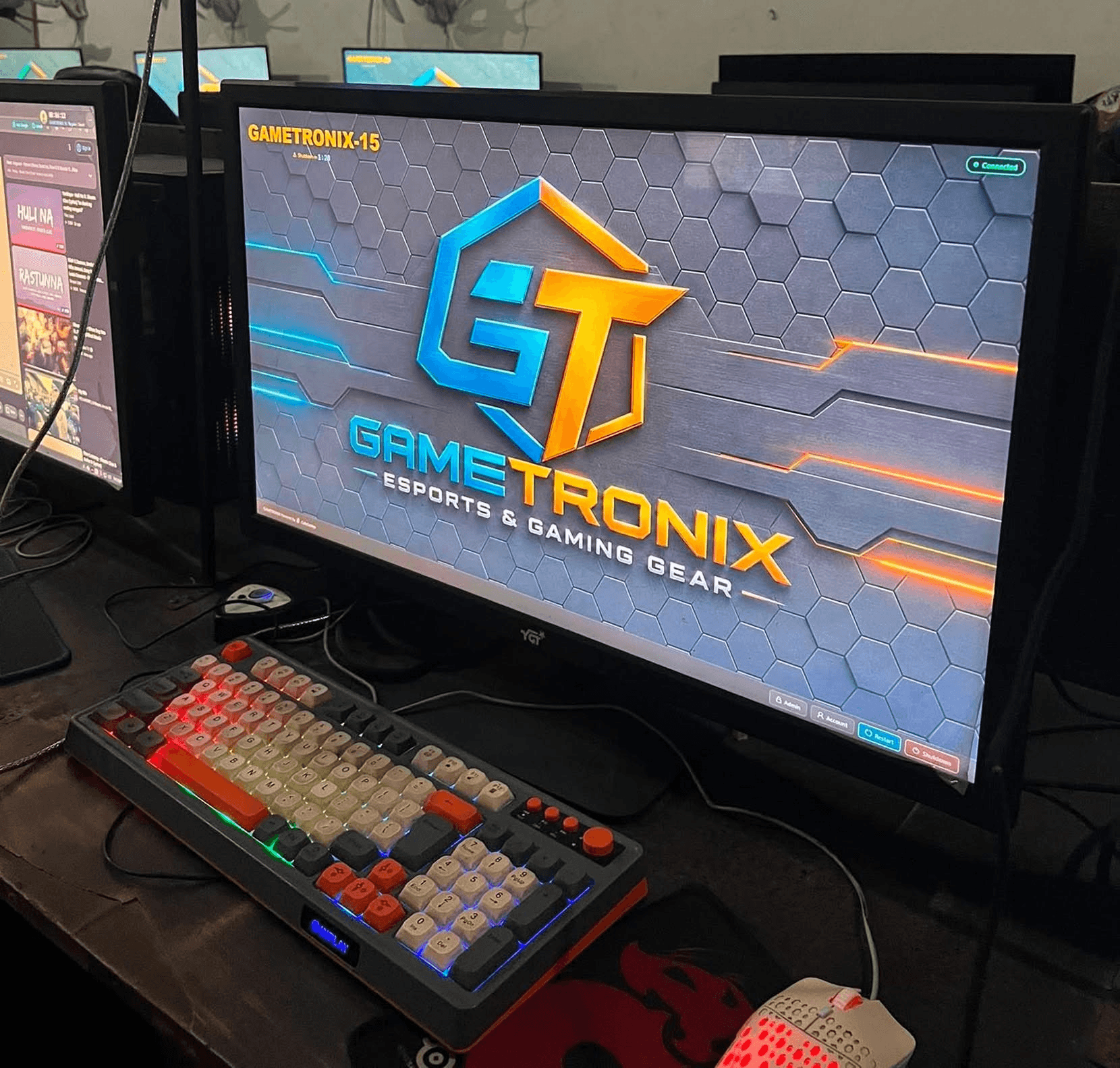
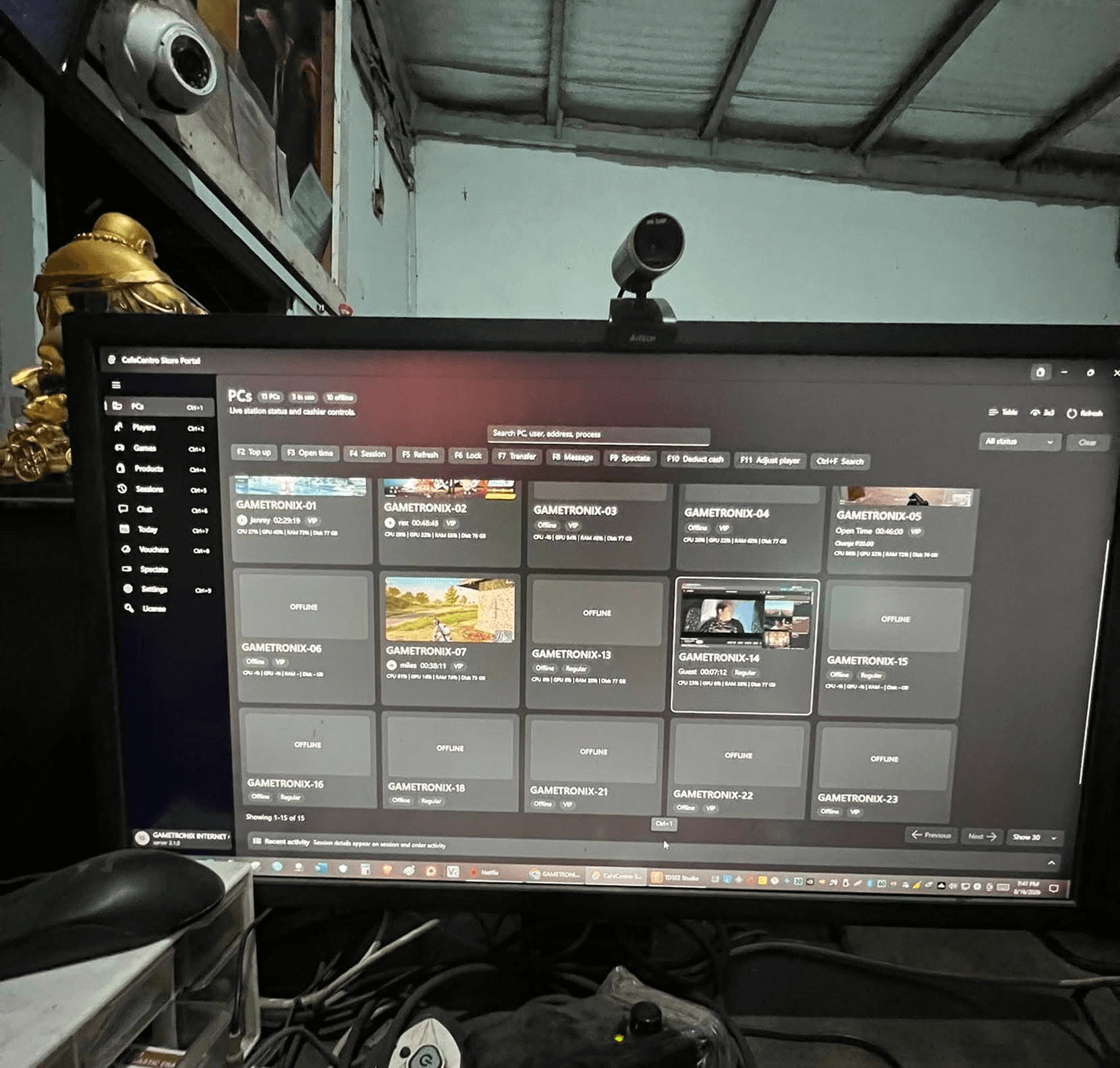
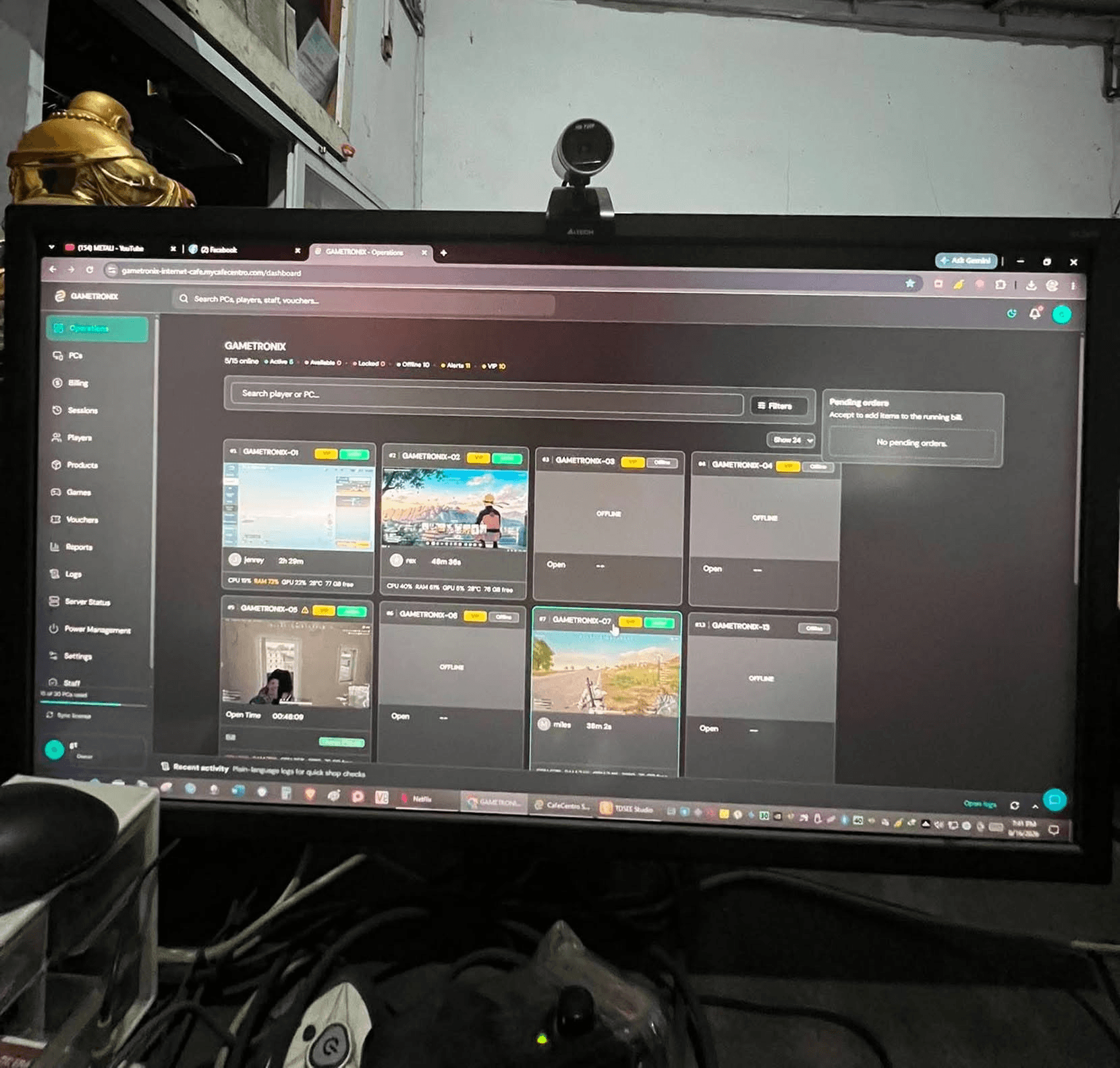
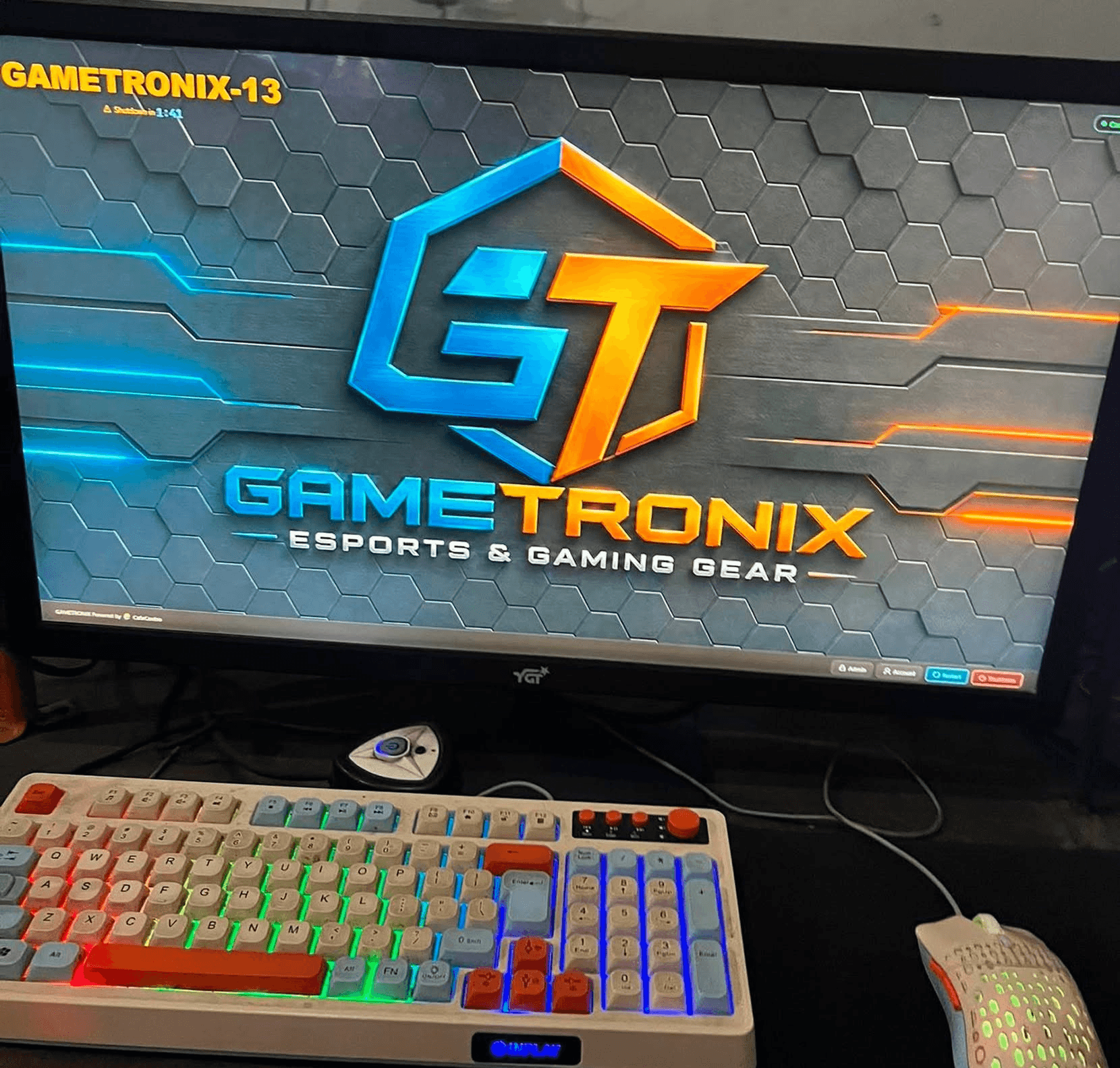
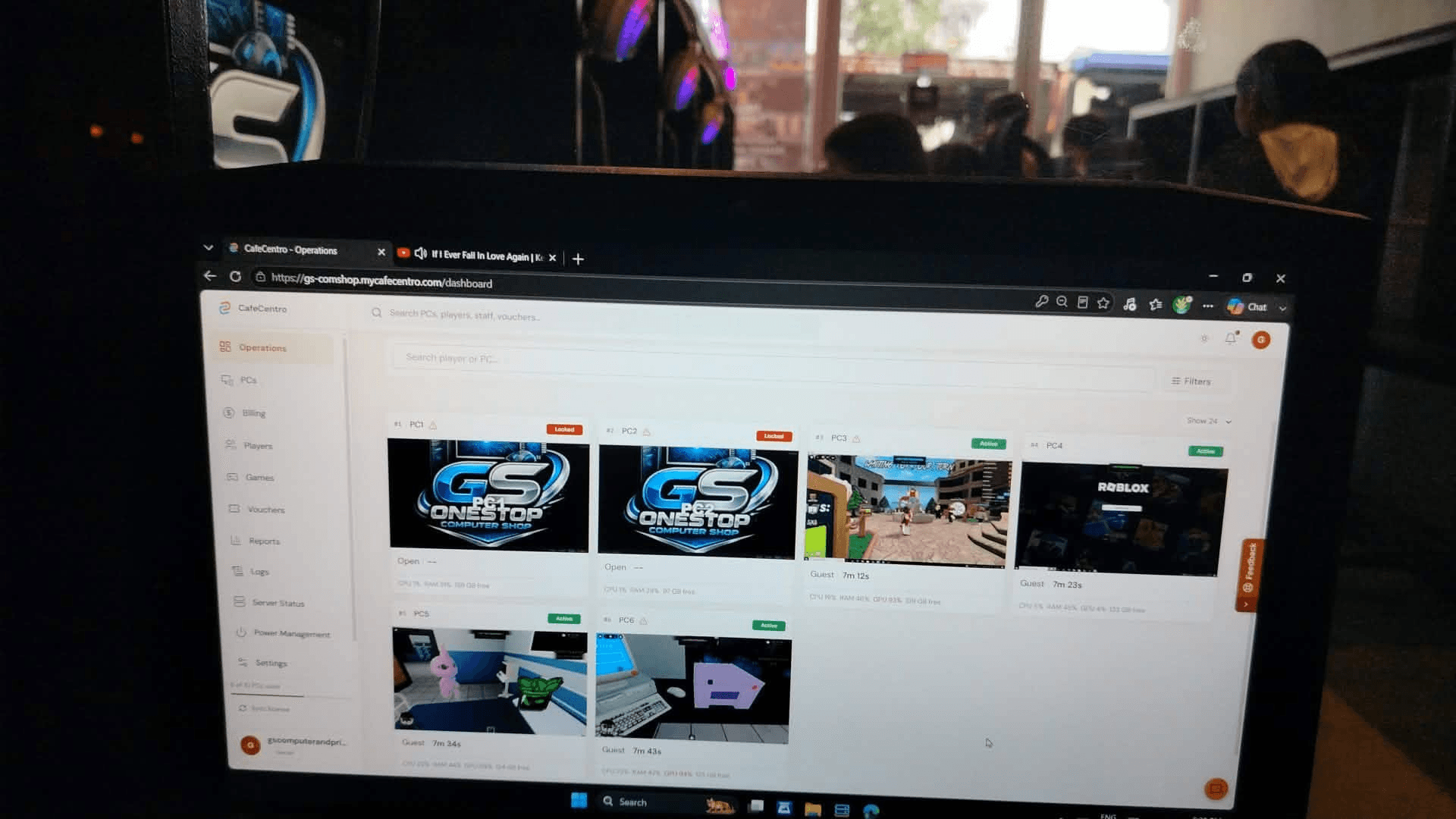
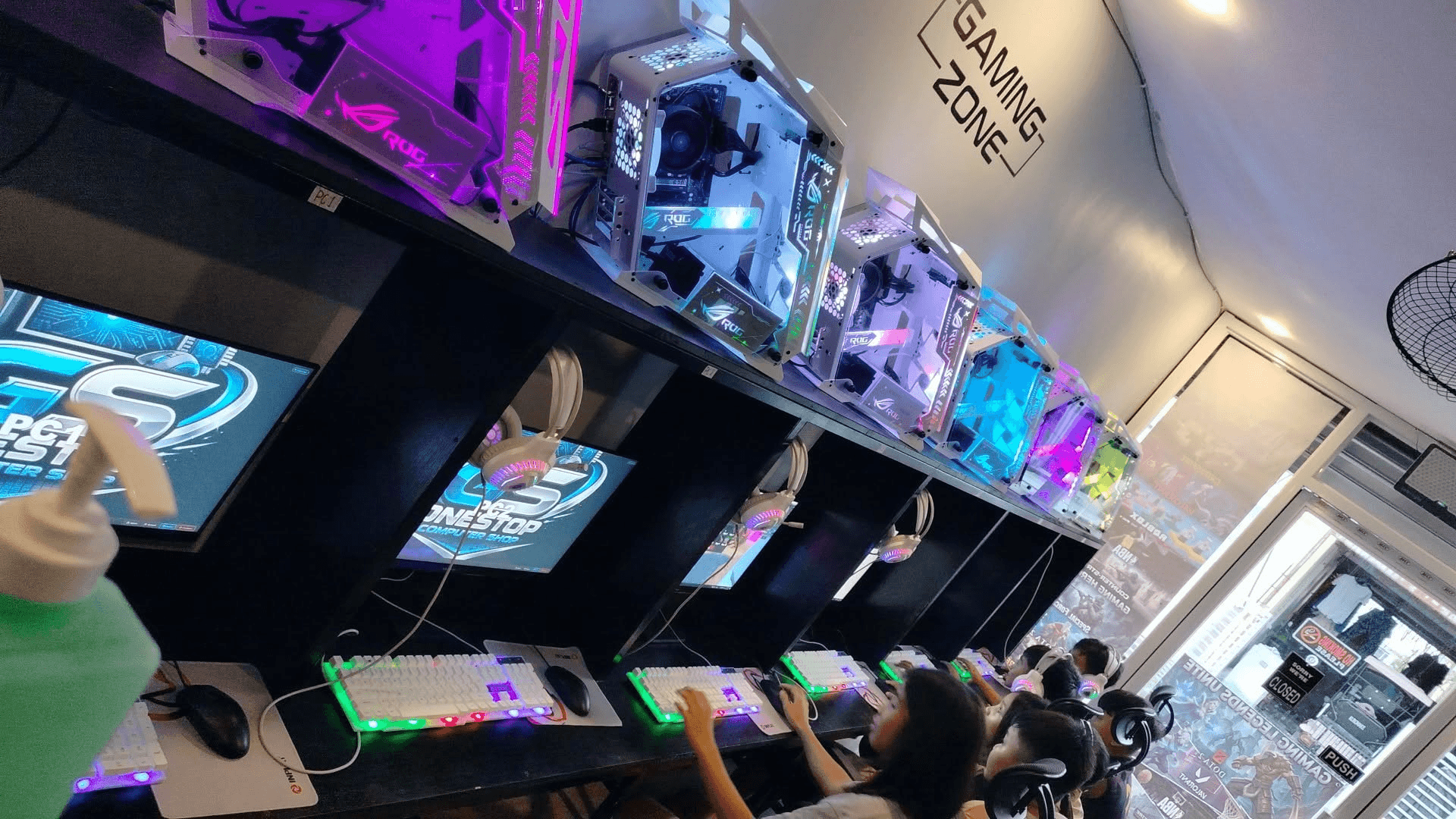
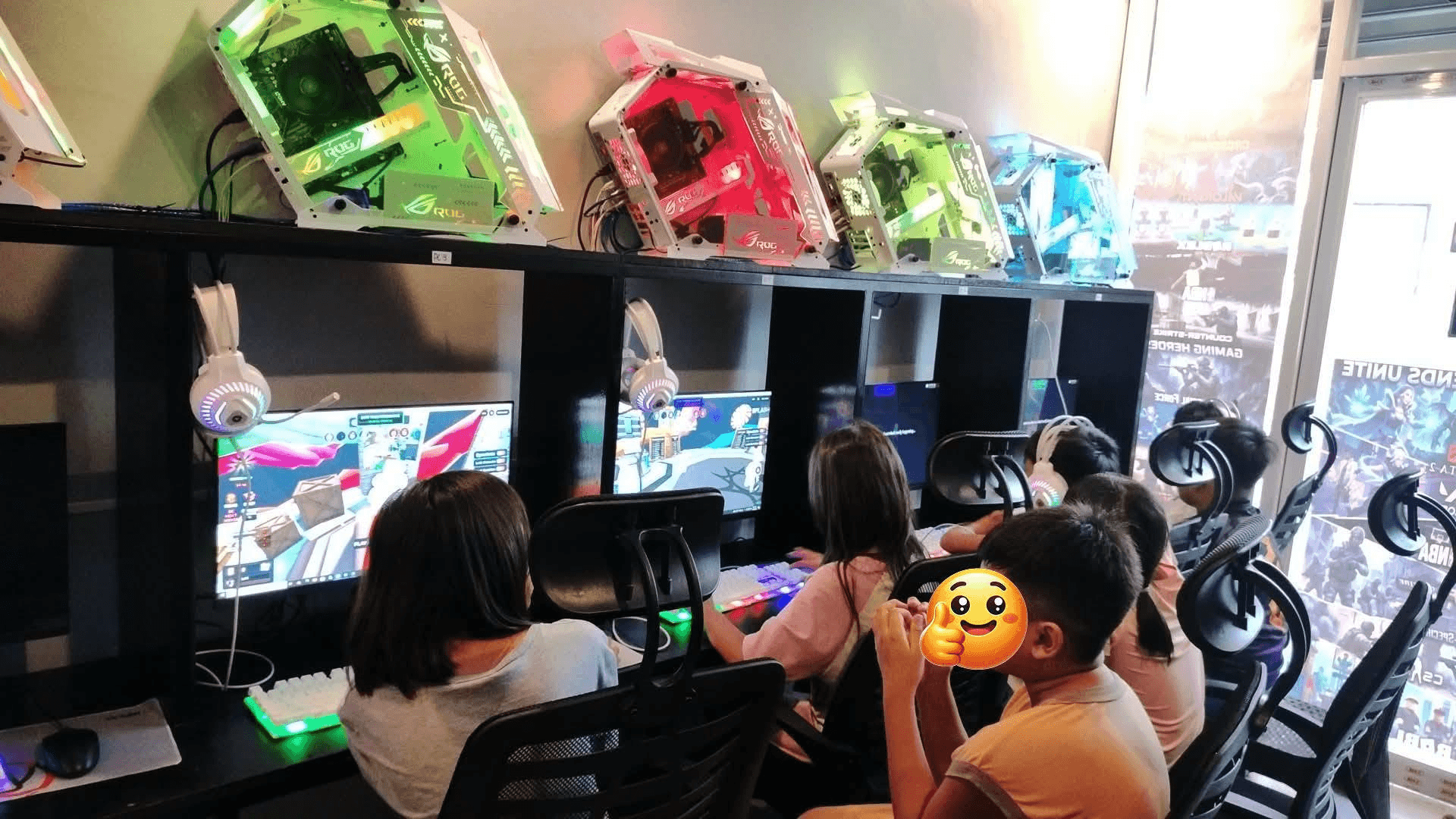
Photos from public Facebook posts show CafeCentro Cloud Timer running in active internet cafe setups, including customer stations, diskless server areas, and the desktop store portal.
New install photos and product updates may appear first on the CafeCentro Facebook page.
Cloud Timer pricing
Live plan prices come from CafeCentro, with quote options for shops that want bigger limits or lifetime ownership.
Setup partners
These contacts can help shops with CafeCentro setup, technical support, and local installation work. Contact them directly for availability, pricing, and service coverage.
Ulaanbaatar, Mongolia
Diskless setup + CafeCentro installation
Offers diskless and CafeCentro as a bundled setup. Prefers mobile phone, Viber, or Telegram.
Davao based
CafeCentro setup support
Private contact using a public dummy Facebook page for setup inquiries.
CDO based
Dev + Tech
Available for CafeCentro technical help and development-related support.
See the CafeCentro Cloud Timer setup path: create the store, install the server, connect client stations, and start managing the shop.
Bring customer sessions, staff actions, PC activity, and daily records together in one system.
Desktop store portal
Give counter staff a full-screen app for PC status, previews, sessions, vouchers, chat, and daily work.
Customer session screen
Show clear timers, notices, and session status on every managed station.
Mobile cashier app
Check the shop, search players, handle quick actions, and review alerts from a phone.
Game access flow
Give customers an easier way to browse and open available games.
Coinbox-ready service
Support coin-operated setups with a clearer self-service experience for customers.
Shop safeguards
Reduce avoidable disruptions and keep daily operations more stable during busy hours.
CafeCentro adapts to the screen you have with you, so the information that matters stays within reach at the counter, across the shop, or while you are away.
Use the full operations view for everyday staff work.
Check stations and customer needs while moving across the floor.
Open the owner view from your phone when you need a quick update.
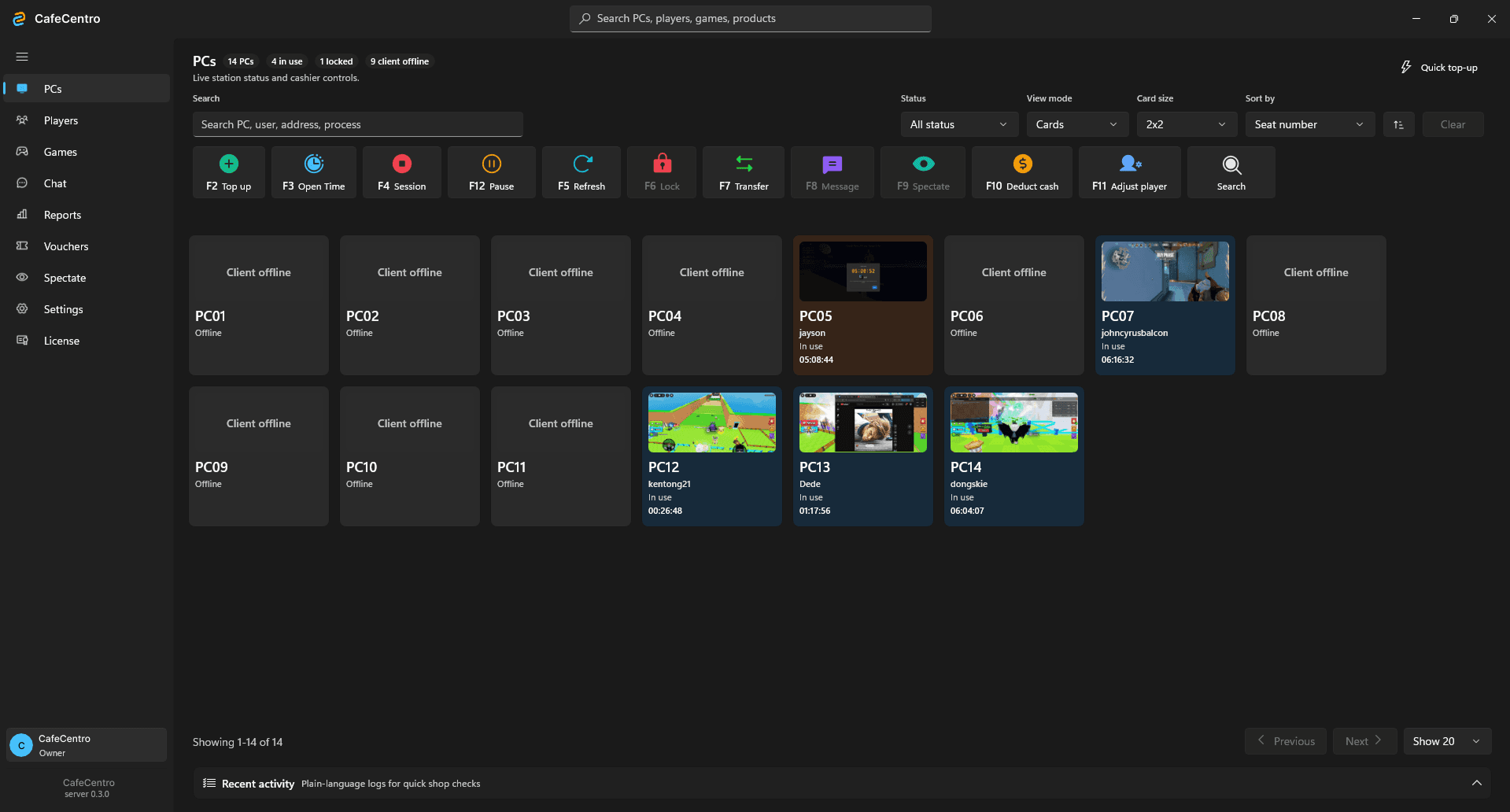
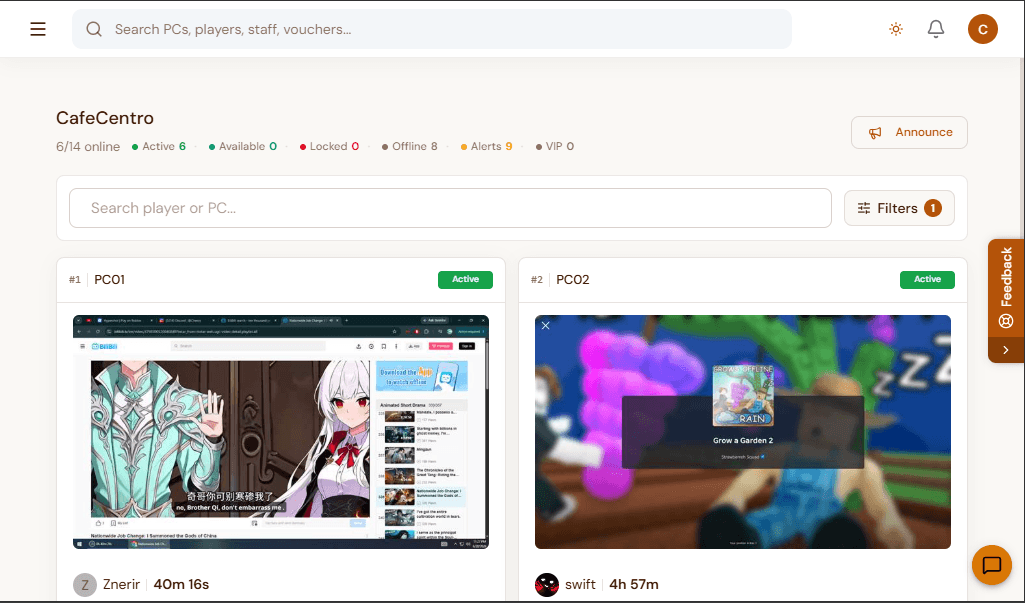
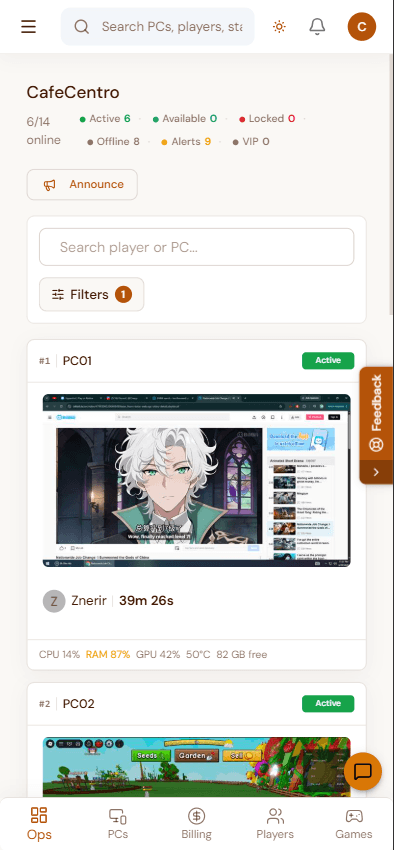
These are the screens cafe owners care about first: the desktop store portal, mobile cashier view, live floor, customer support, coinbox self-service, launcher, players, and game library.
Desktop app
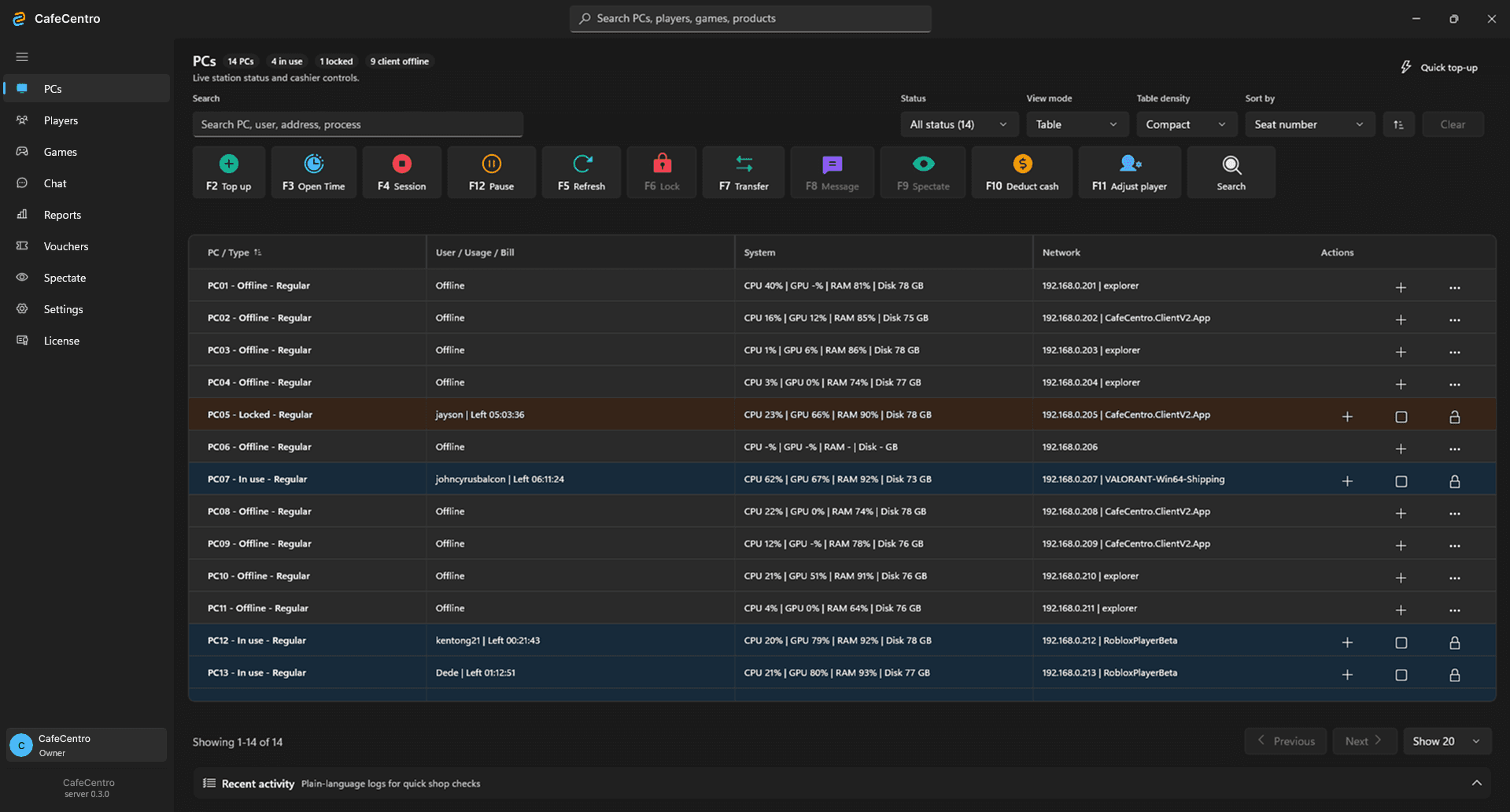
Table view
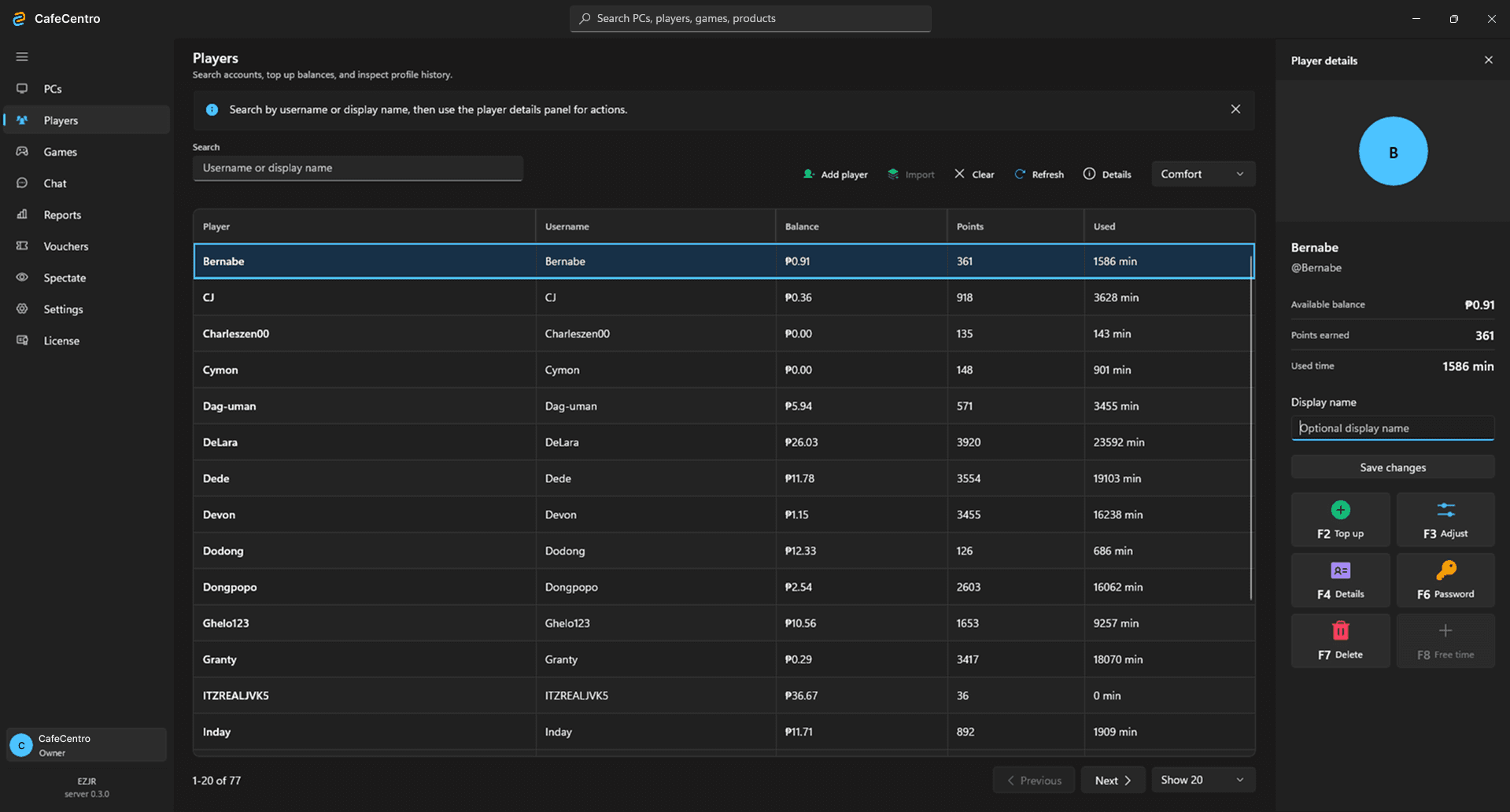
Players
Web portal
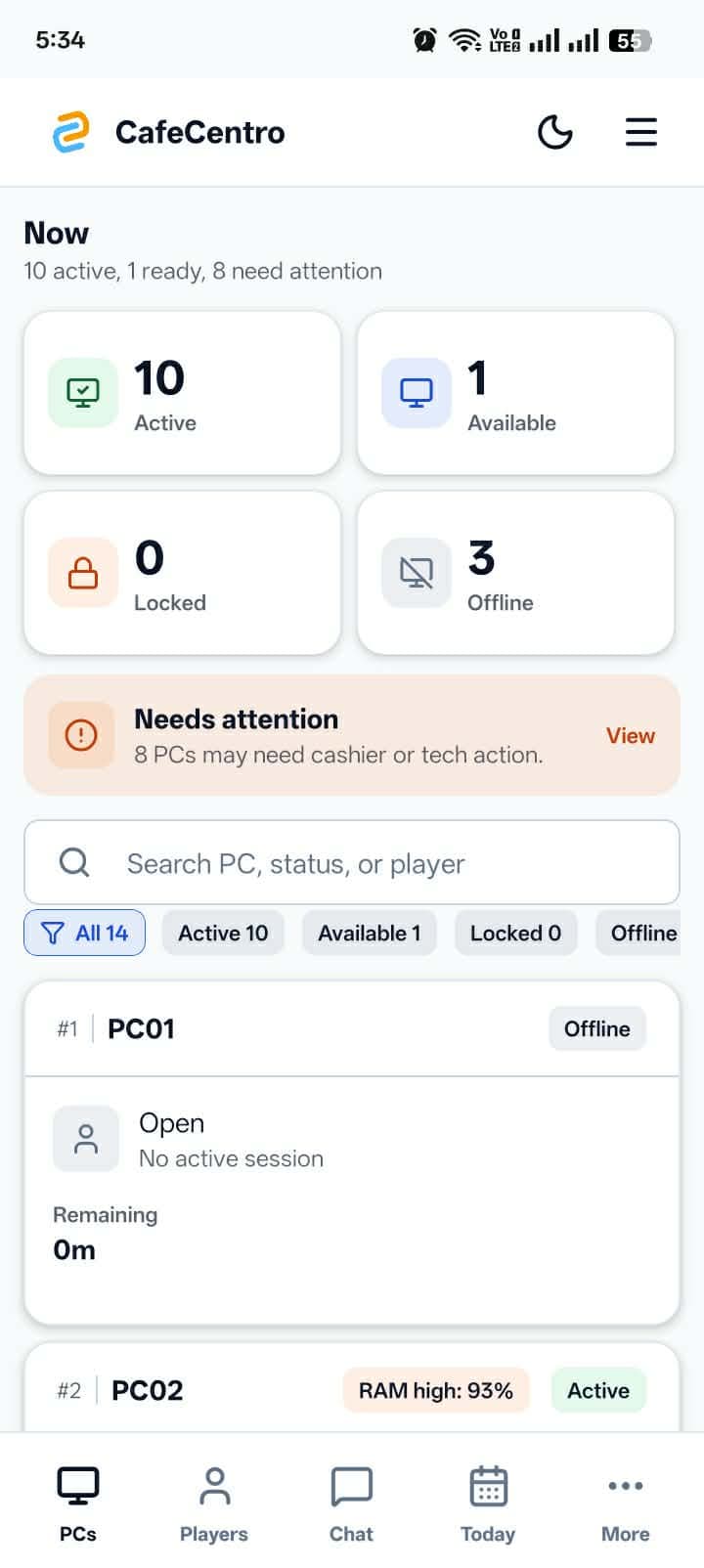
Mobile app
Remote view
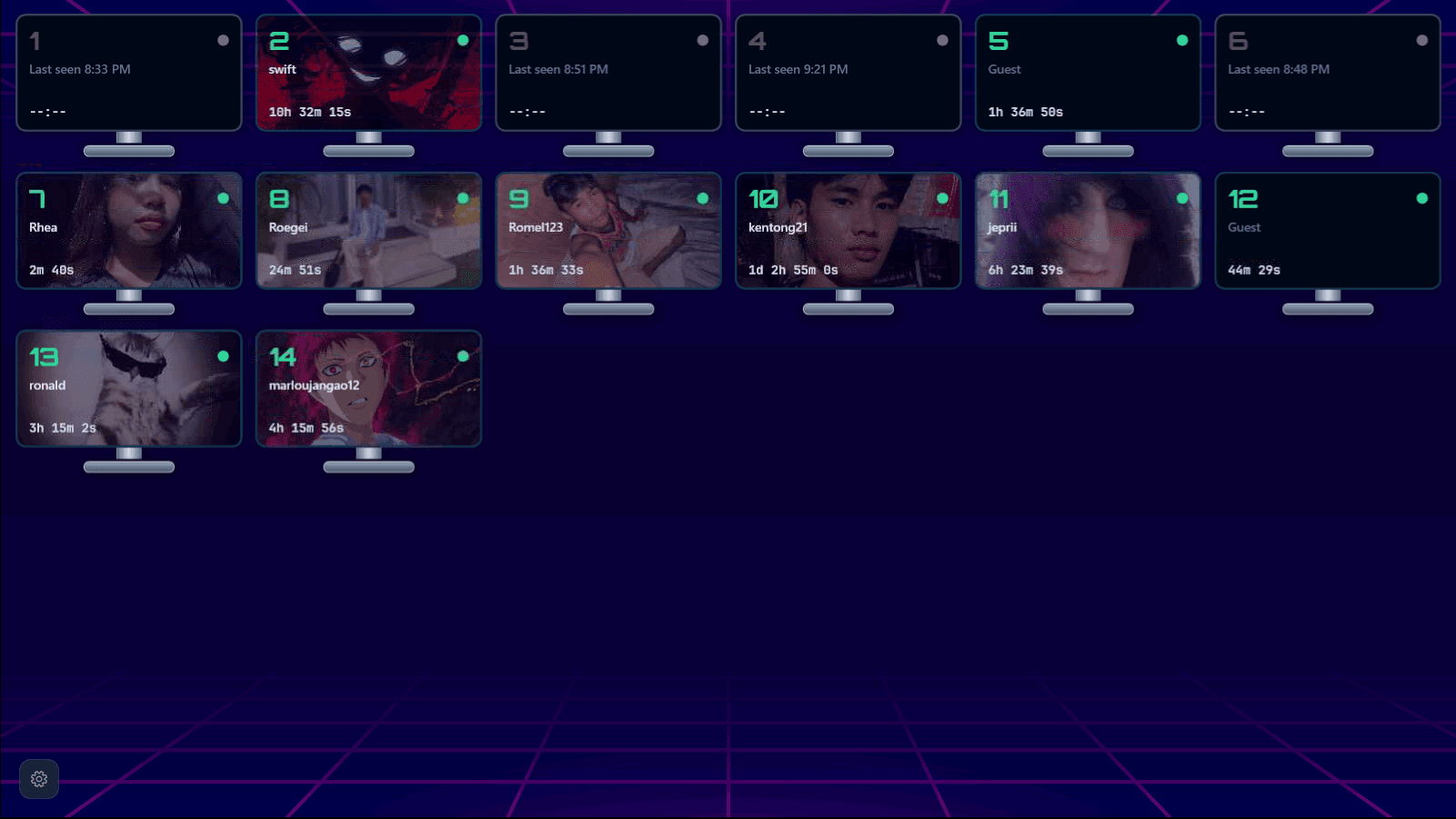
Coinbox flow
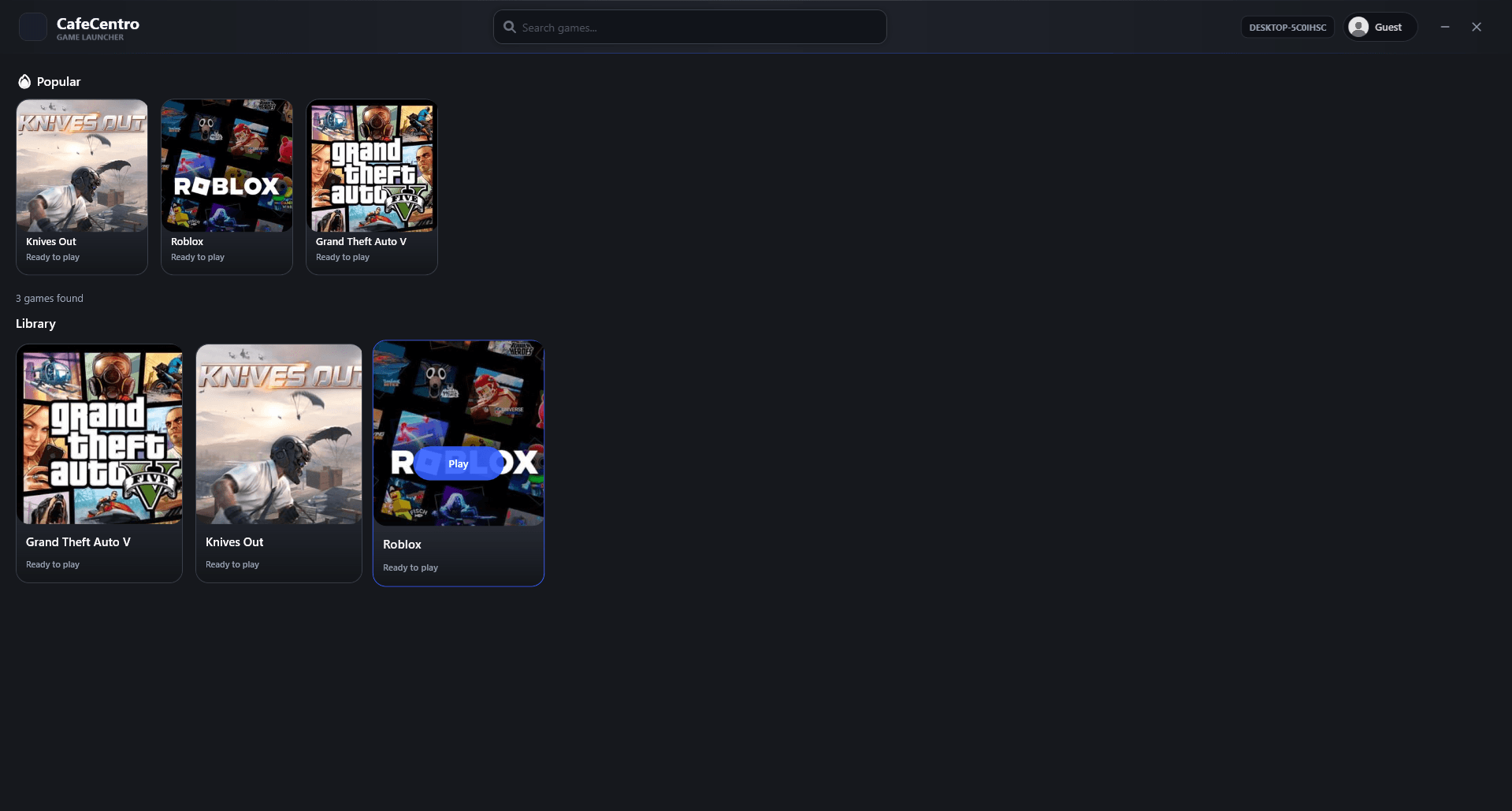
Customer station
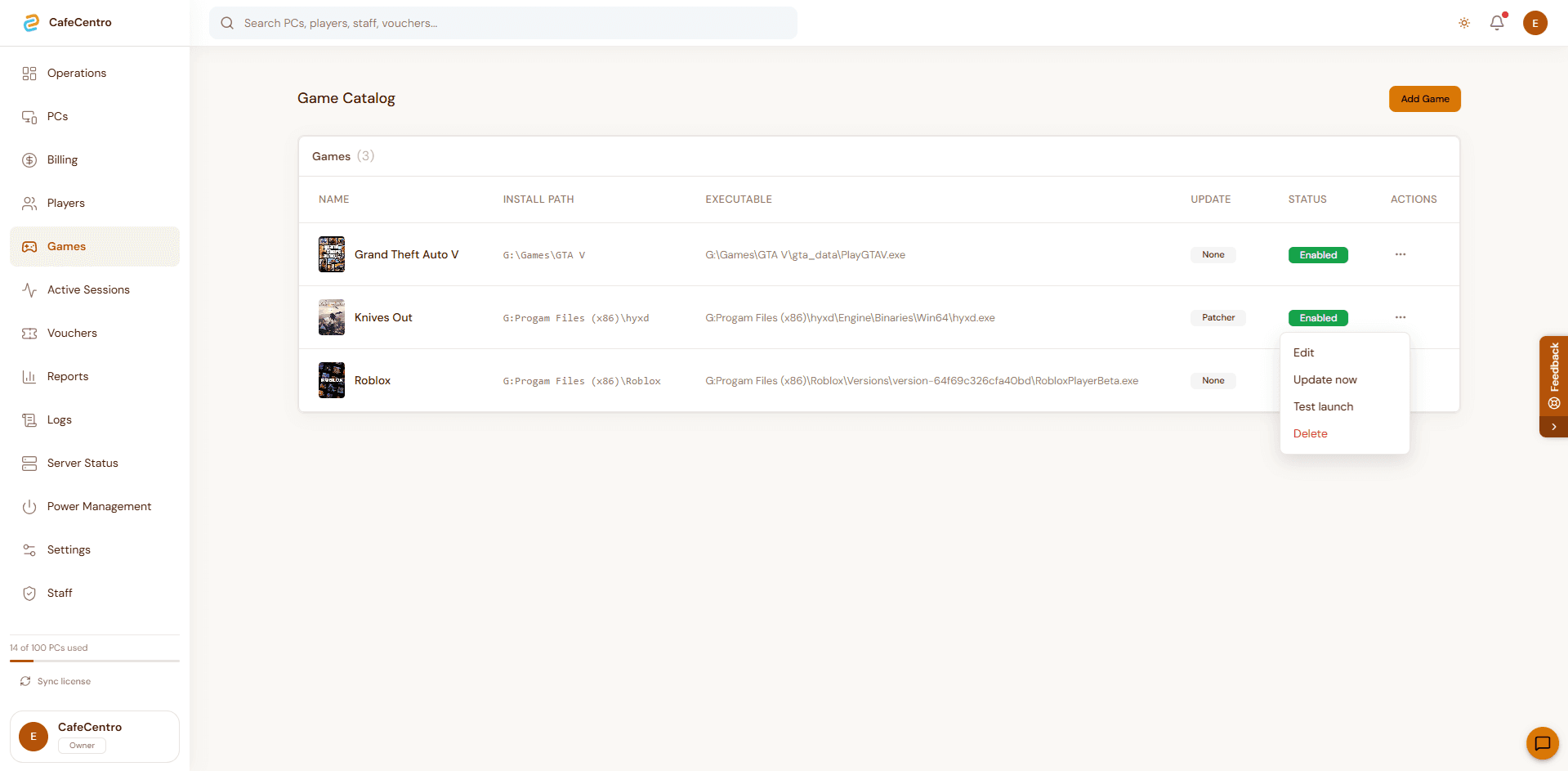
Games
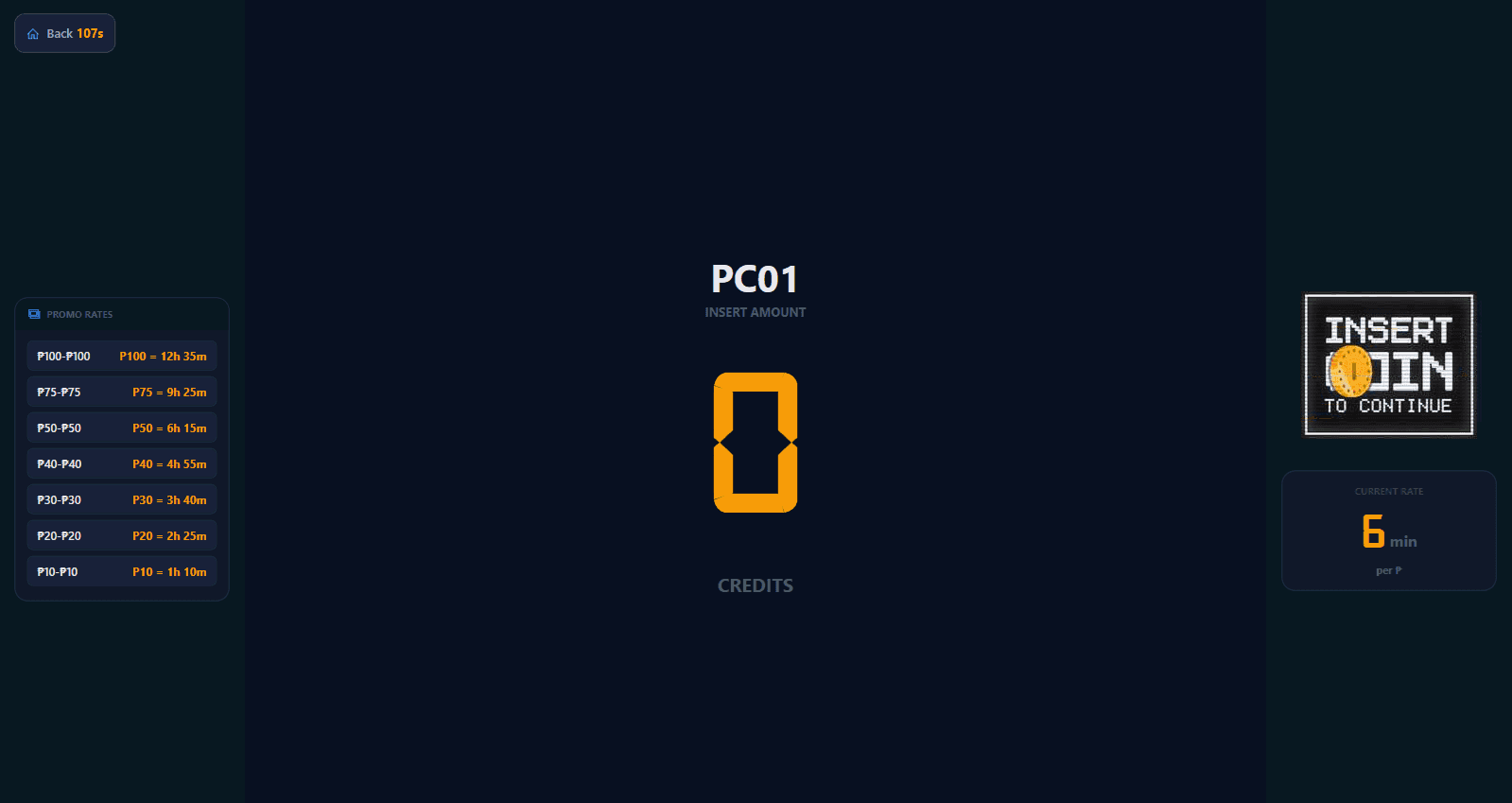
Top-up
Desktop app
Table view
Players
Web portal
Mobile app
Remote view
Coinbox flow
Customer station
Games
Top-up
CafeCentro should feel like peace of mind, not another dashboard to babysit. Owners can step away and still see the signals that matter: active PCs, customer help, staff flow, revenue, alerts, and daily reports.
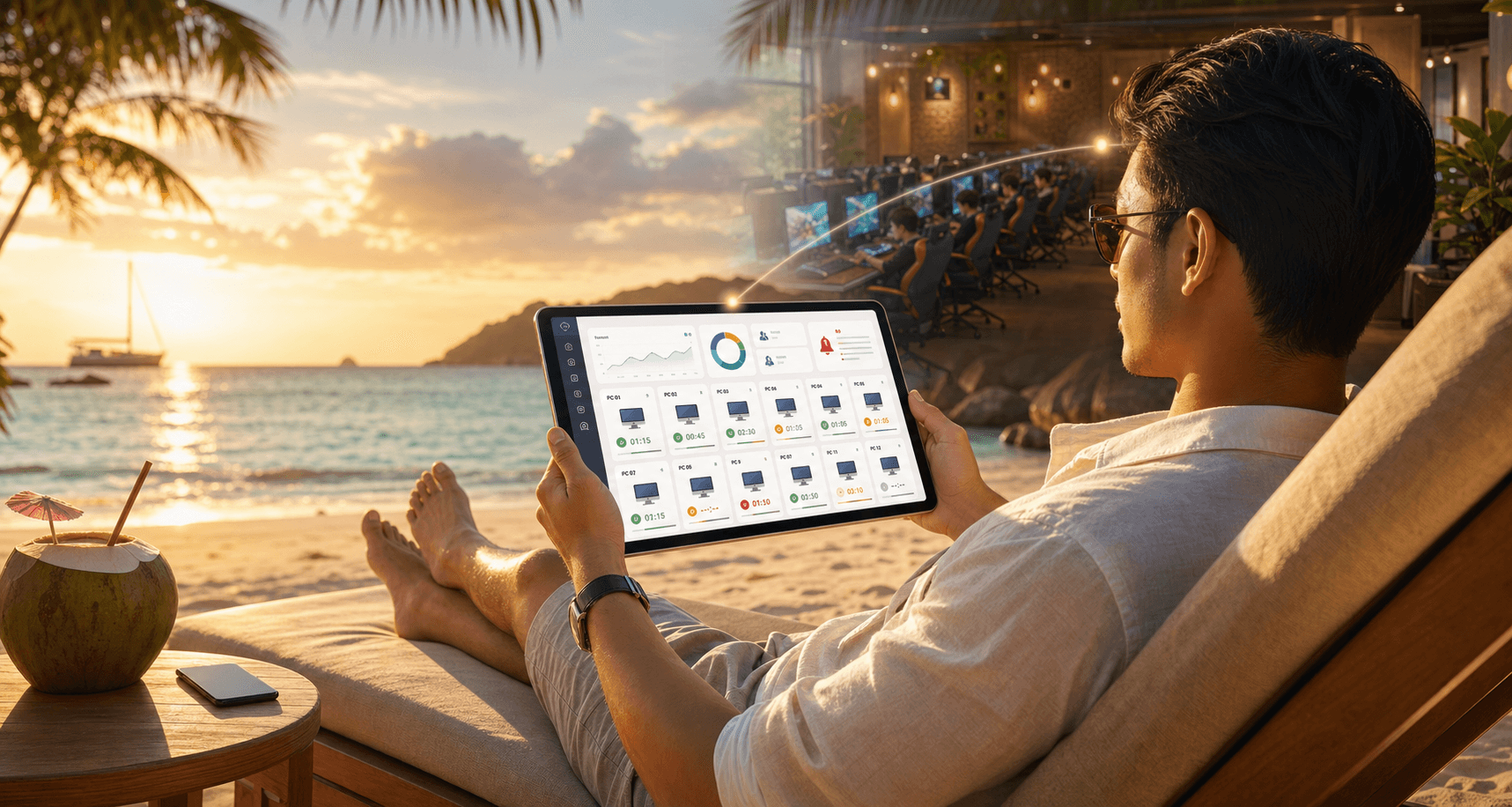
Set up CafeCentro around the way your shop already works.
Bring your managed PCs into one shared operating flow.
Use one dashboard to handle customer time, players, staff, and daily activity.
Give customers a clearer on-screen experience while staff keeps control.
Multilingual store portal
The CafeCentro desktop app includes built-in language packs for English, Spanish, Mongolian, and Vietnamese, plus support for imported language packs when a shop needs a local translation.
English
en-US
Español
es-ES
Монгол
mn-MN
Tiếng Việt
vi-VN
Custom language packs
Shops can import additional translations for local staff workflows, making CafeCentro a better fit for multilingual internet cafes and regional gaming centers.
Ready for trial shops
Give your shop a clearer way to manage customer time, top-ups, players, staff, and daily operations.