
All products / Getting started
Cloud Timer vs Traditional: choosing CafeCentro
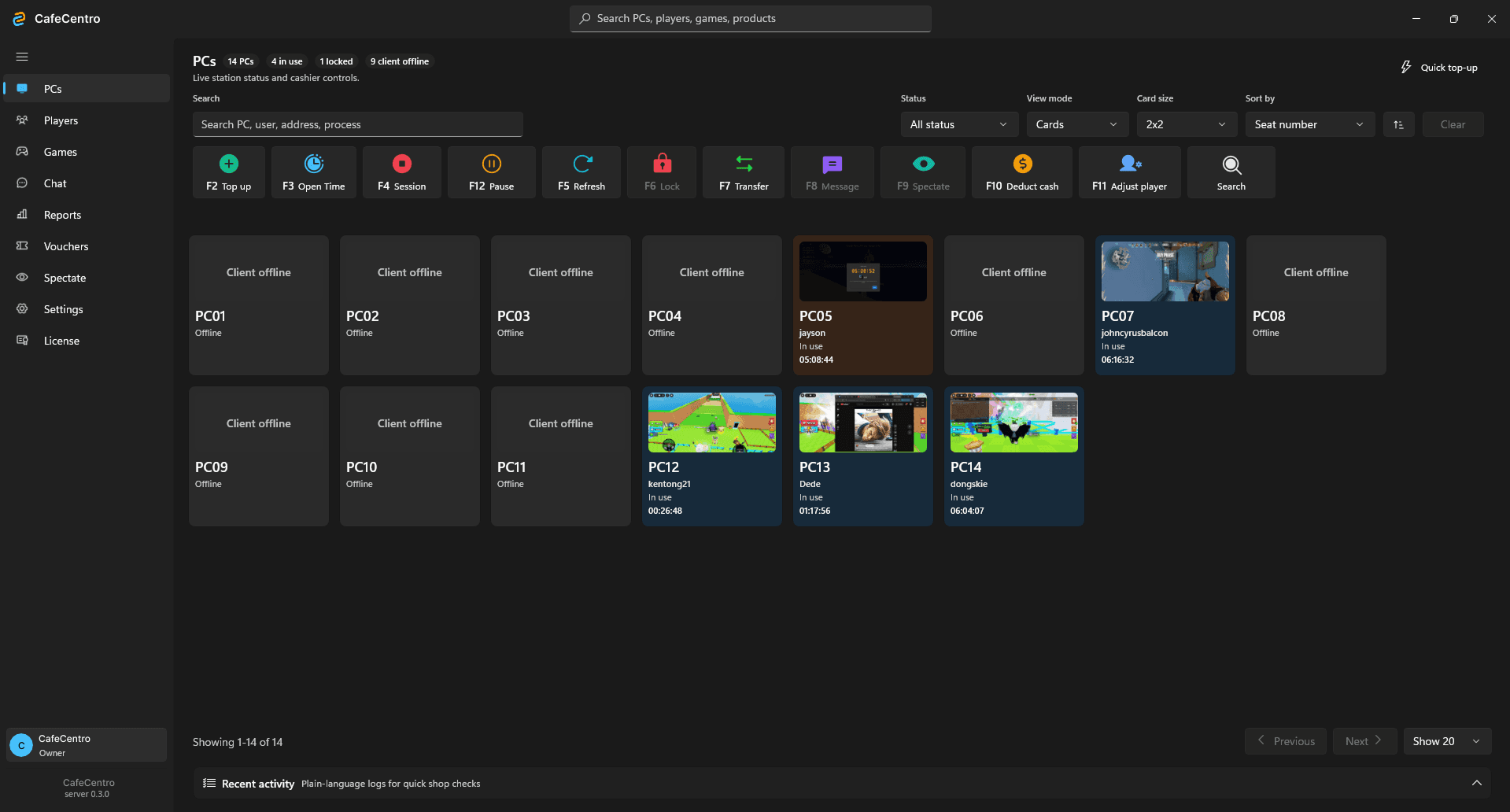
Cloud Timer uses a local server and connected customer PCs, with desktop and mobile management tools. Traditional offers a cloud-managed, counter-first setup where you create a store and connect customer PCs using the client installer.
On this page
What does CafeCentro do?
CafeCentro provides PC timer and internet cafe management software for computer shops and gaming centers. Owners and staff use it to manage customer sessions, top-ups, player accounts, and daily shop activity.
Choosing a product starts with the way your counter operates. Consider who will manage the shop, which devices staff will use, and who will handle installation. A shorter setup process and a wider set of management tools solve different needs.
When to consider Cloud Timer
Cloud Timer follows a store, server, and client setup. You create a store, install the server, and connect customer PCs. The desktop store portal and mobile app provide ways to manage PC status, sessions, players, top-ups, and reports.
Consider this product when your shop wants those management tools and has someone responsible for the server installation. For a diskless environment, discuss the installation with your technician or setup partner before changing the shared image.
When to consider Traditional
Traditional focuses on the front-desk timer workflow. Its public setup path starts with creating a Traditional store, downloading the client installer, and entering the shop address on customer PCs. Staff then manage the connected PCs through the Traditional portal.
Consider Traditional when this counter-first workflow matches your shop. Check its own product page for supported features and current plans. A Cloud Timer feature or price should not be assumed to apply to Traditional.
Questions to answer before choosing
Use one customer PC to validate the workflow before rolling it out across the shop.
- How many customer PCs need a license, including planned additions?
- Will staff work mainly at the counter or also use a mobile device?
- Who will install and maintain the server or customer PC clients?
- Which session, reporting, player, and payment features does your shop actually need?
- Which product's current plan and support arrangements match those requirements?